What is Ubisoft Connect?
Ubisoft Connect is a game launcher by the French company Ubisoft (formerly Uplay and Ubisoft Club) that combines a store and a digital game library, a support center, a community hub, and a loyalty system. First and foremost, this program is designed for purchasing, managing, and launching Ubisoft games, tracking progress and achievements, playing cooperatively with friends, and using cross-platform profile cloud saves.
You can download Ubisoft Connect for Windows for free at the end of the article, as key game franchises such as Assassin’s Creed, Far Cry, Rainbow Six, The Division, Rayman, and others will require a registered account within this ecosystem.
Features:
- A game store with convenient sorting and grouping options, as well as your personal library.
- Automatic updates and patch installation.
- Tournament statistics, achievements, and rewards.
- A social network — communication with friends and team-based competitions.
- Cross-platform progression and support on PC and smartphones.
- Gameplay recording and streaming.
- Loyalty system: by completing in-game challenges, you earn the launcher’s special currency called “Units,” which can be used to purchase skins, weapons, or as discounts on video games.
- Thanks to the “Smart Intel” system, you can receive personalized tips for completing difficult sections of a game.
- Ubisoft+ subscription service providing access to more than 100 games.
How to use Ubisoft Connect?
First, you need to download the Ubisoft Connect game launcher, then register an account using your email and password, and sign in to the application.
For user convenience, the platform interface is divided into several sections:
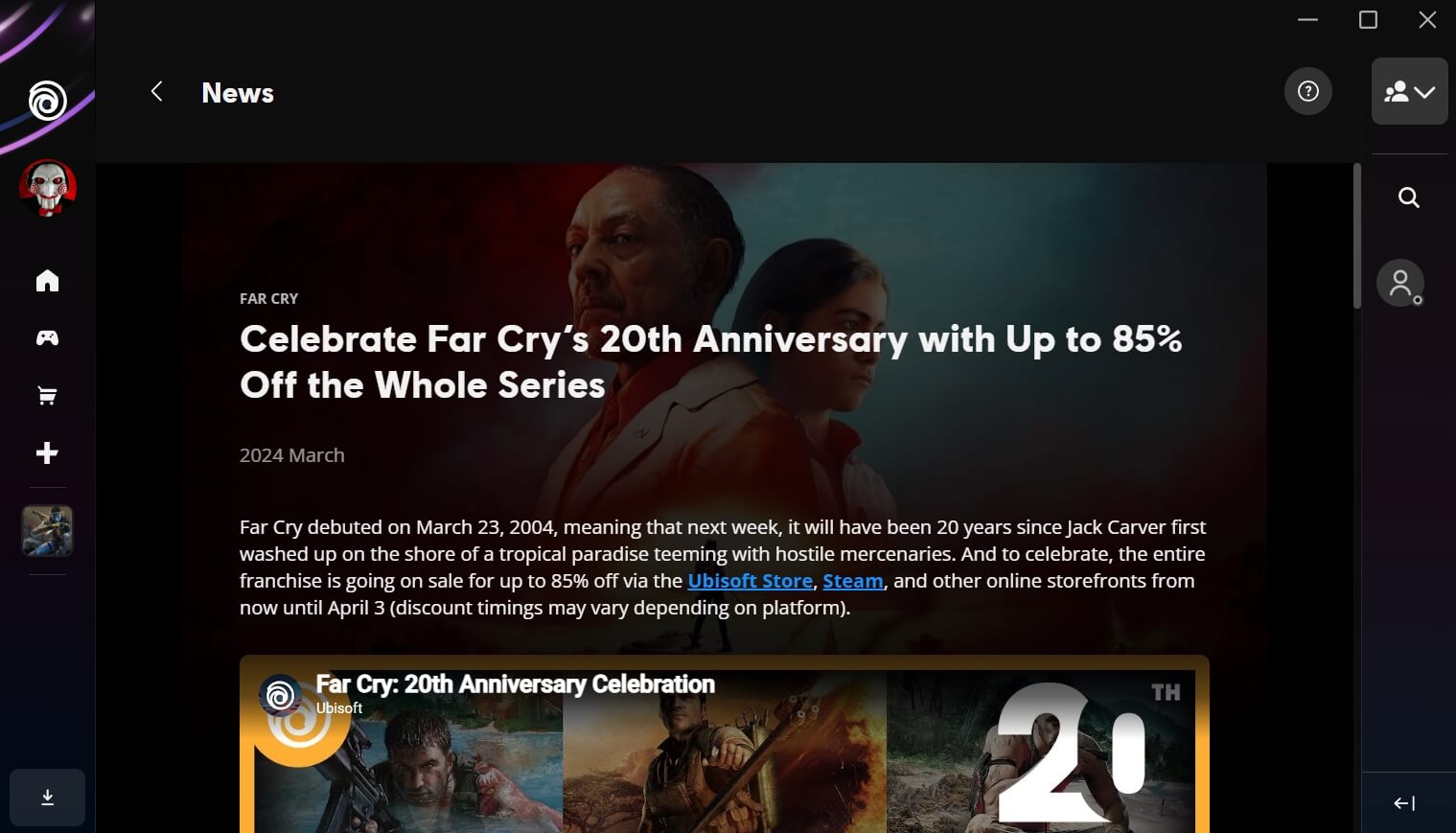
- Home. Here you can see the latest news and game announcements, active bonuses, and discounts.
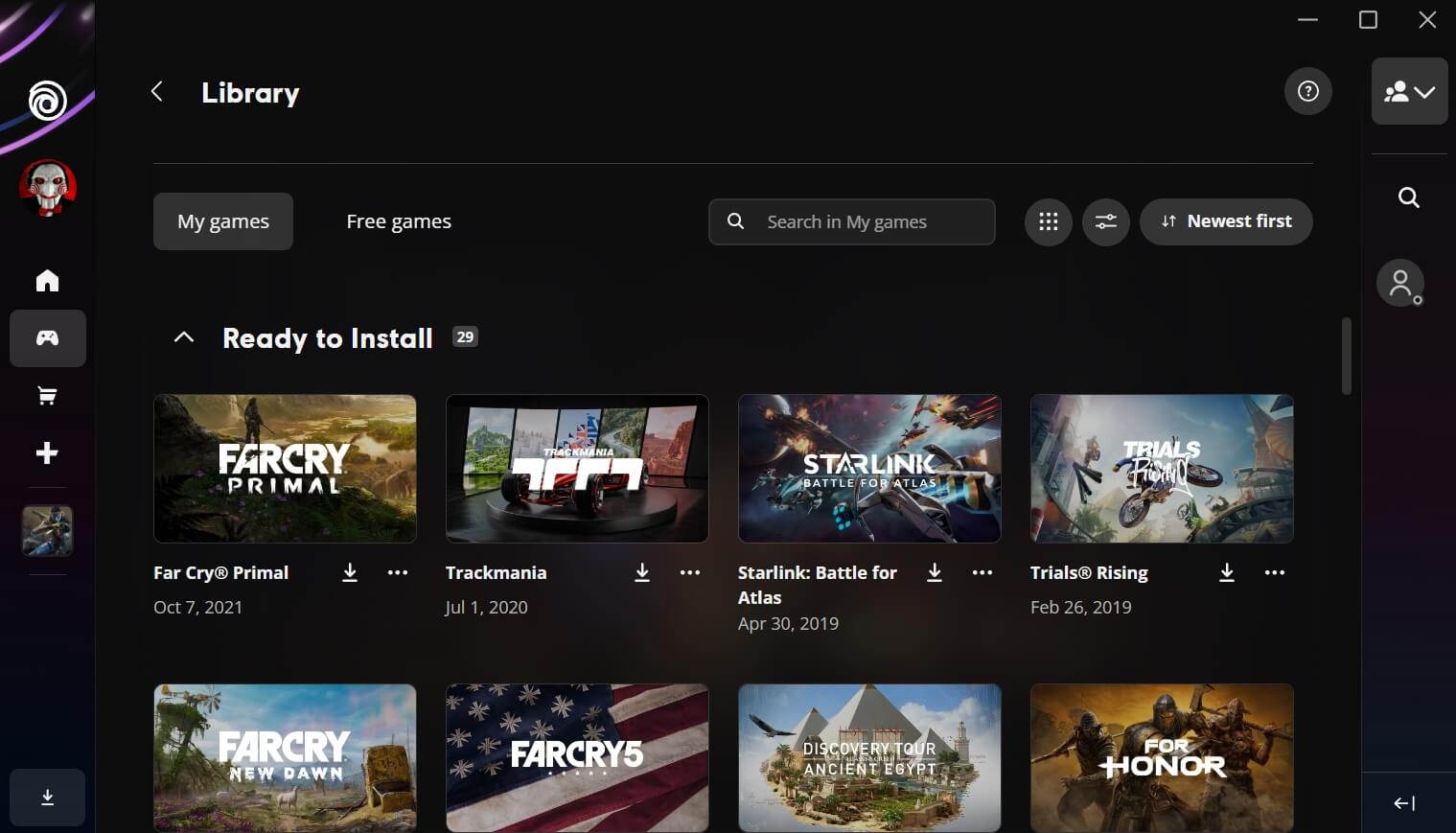
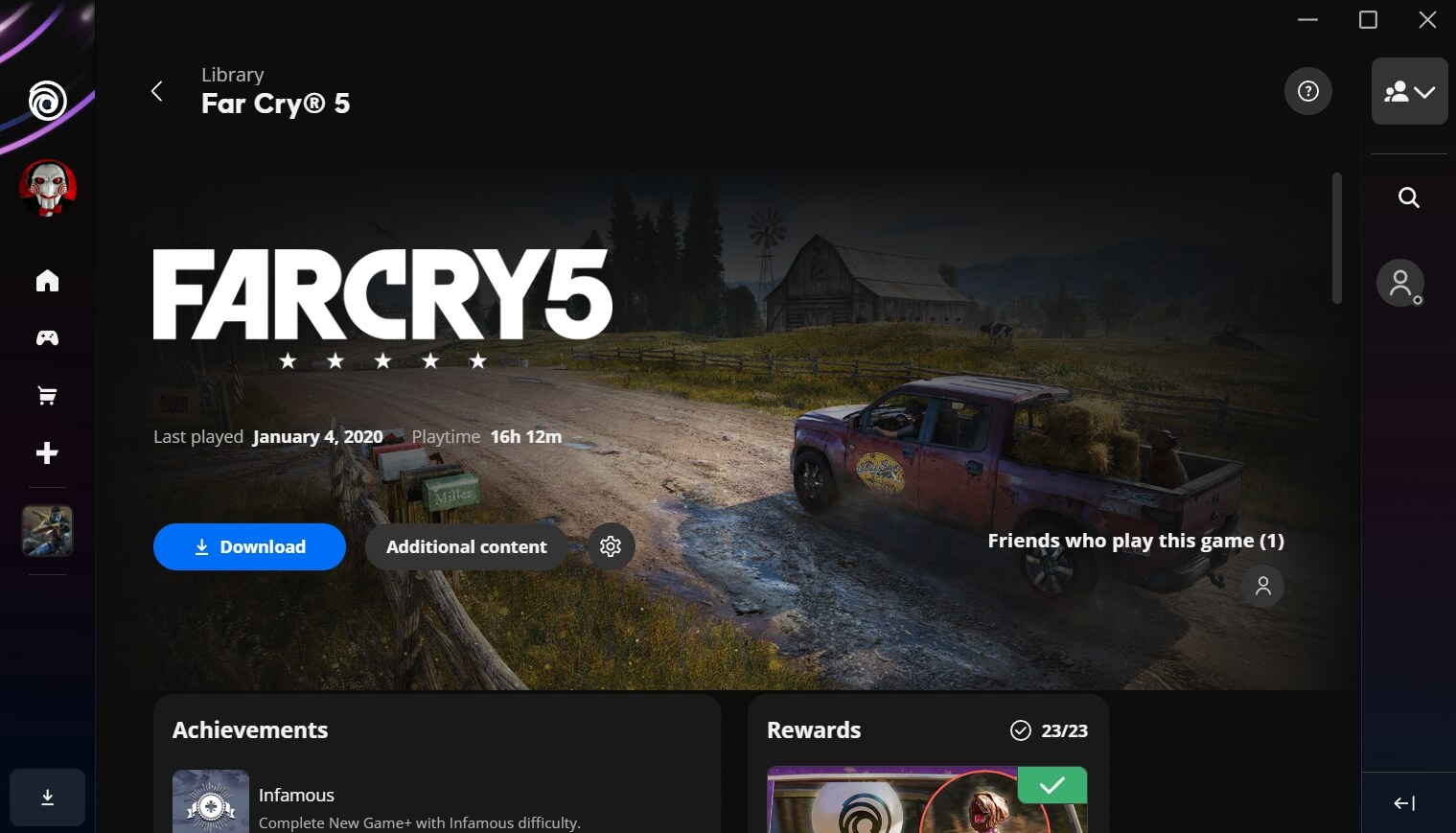
- Library. A list of available or purchased games that can already be installed or launched.
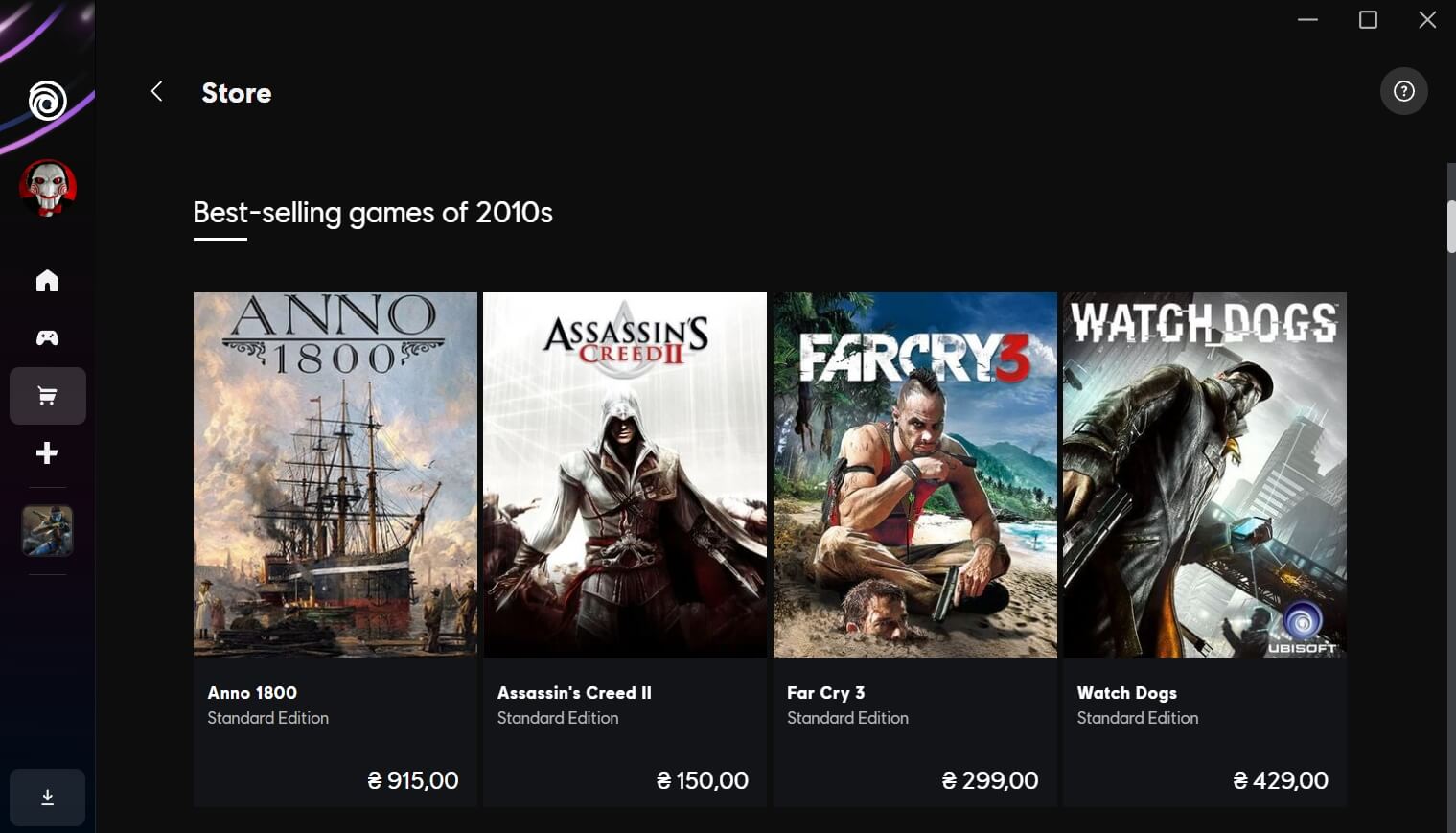
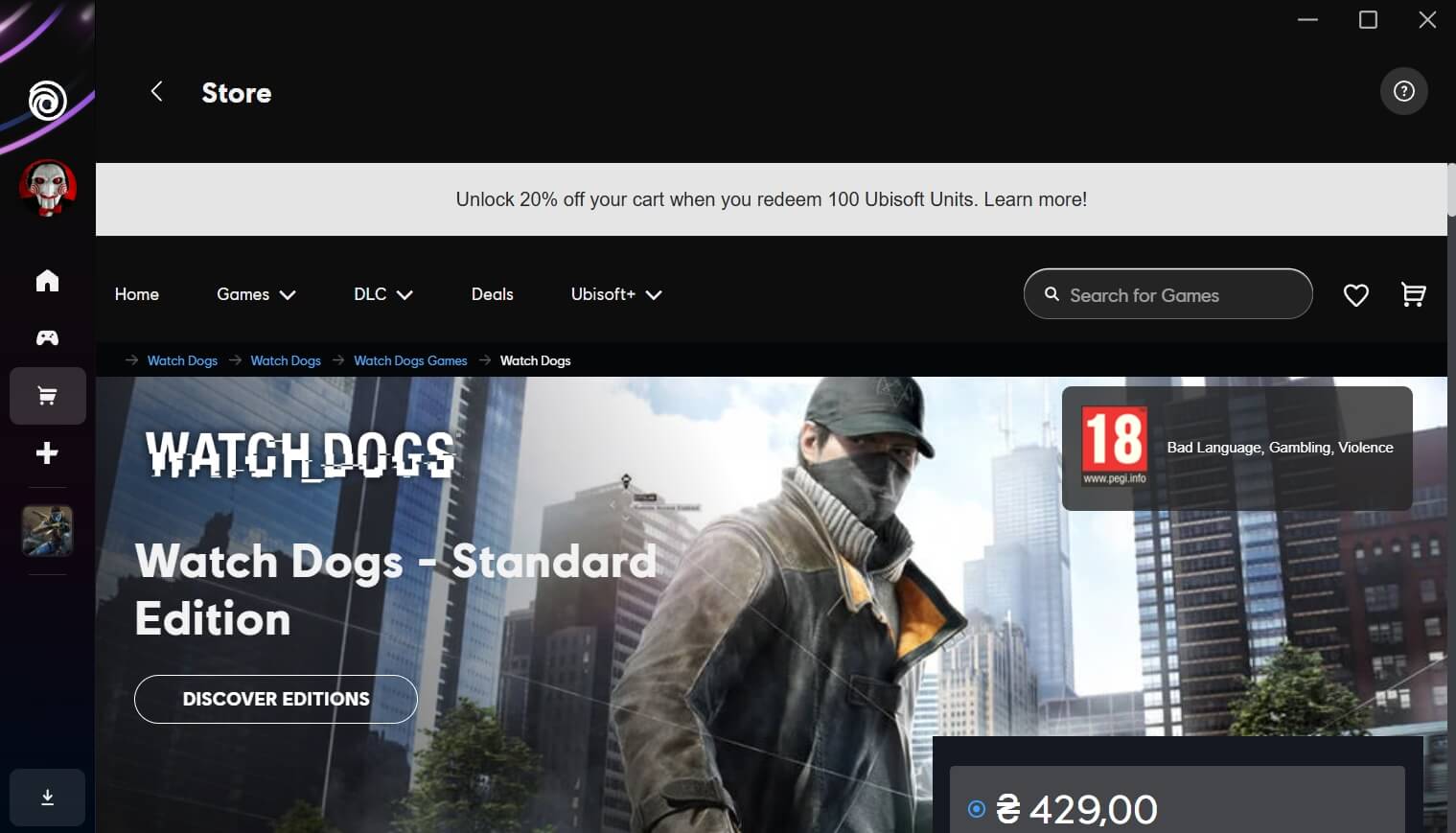
- Store. A catalog of games and add-ons sorted by genre, popularity, discounts, and other parameters.
- Social. A chat with notifications from users, whom you can add as friends to communicate.
To conveniently save your progress, you can synchronize your Ubisoft account with other launchers or platforms — Steam, EGS, Xbox, PSN. After completing all settings and purchasing a game, simply click the “Install” button, wait for the download to finish, and start playing.
Tip: don’t forget to check the “Rewards” section right after launching a new video game. Free starter packs (experience boosters or currency) are often available there for all players.
Pros:
- All Ubisoft games are collected in one place.
- Simple navigation without unnecessary transitions.
- Regular sales and promotions in the store.
- An active community and frequent tournaments.
- Integration with streaming and screen capture platforms.
- Weekly free bonuses and rewards.
Cons:
- The launcher can be quite “heavy” for background operation on low-end PCs.
- The need to launch Ubisoft Connect even when purchasing a game on Steam (dual launcher).
- Occasional conflicts between cloud saves and local saves.
Summary
Ubisoft Connect is a free game launcher designed to run games from the company of the same name, allowing you to fully immerse yourself in the ecosystem of well-known gaming franchises and receive unique bonus content through its built-in achievement system.
You can download the latest version of Ubisoft Connect (2026) for free from the official website via the link below.