
What is Pinterest?
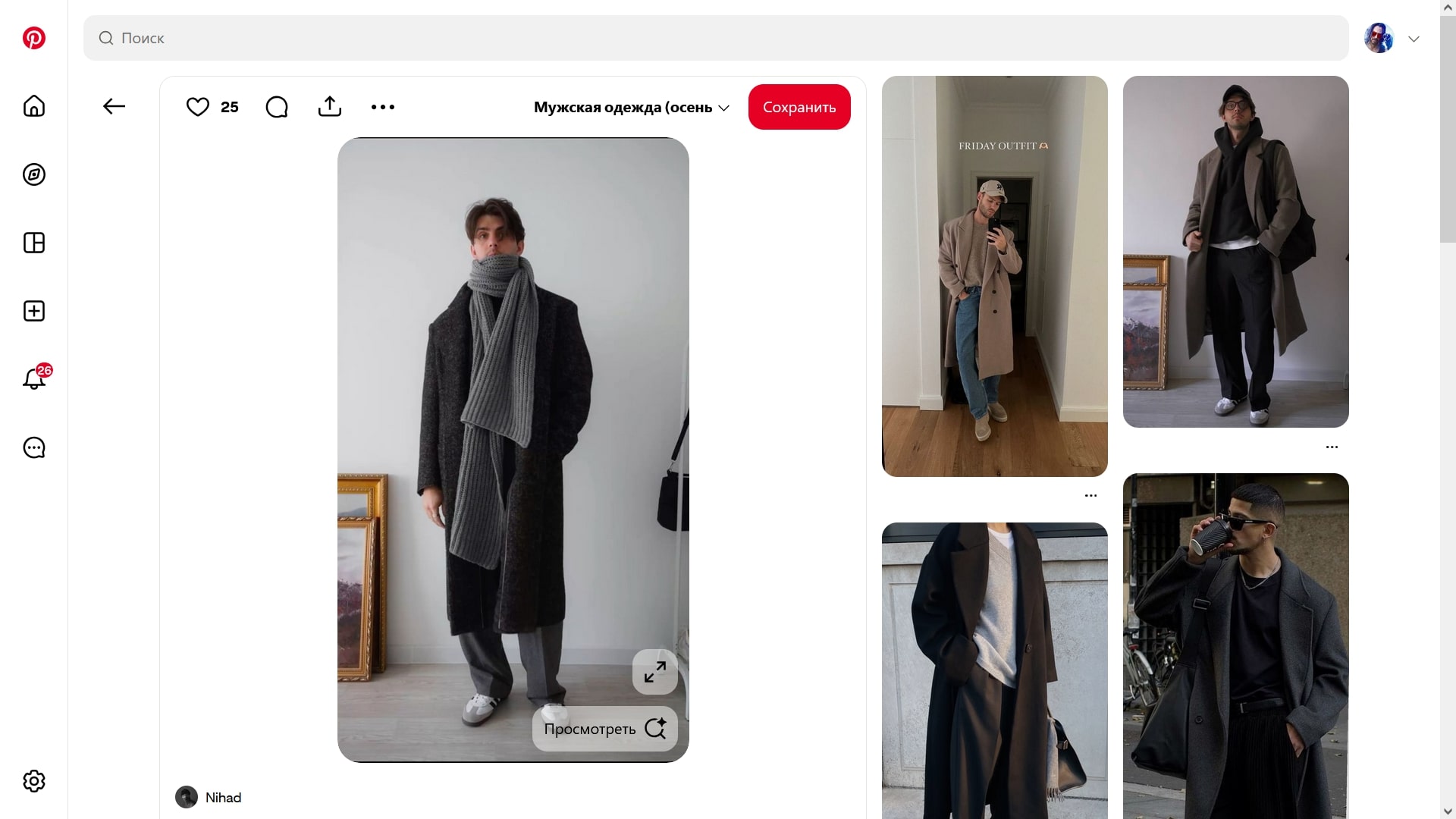
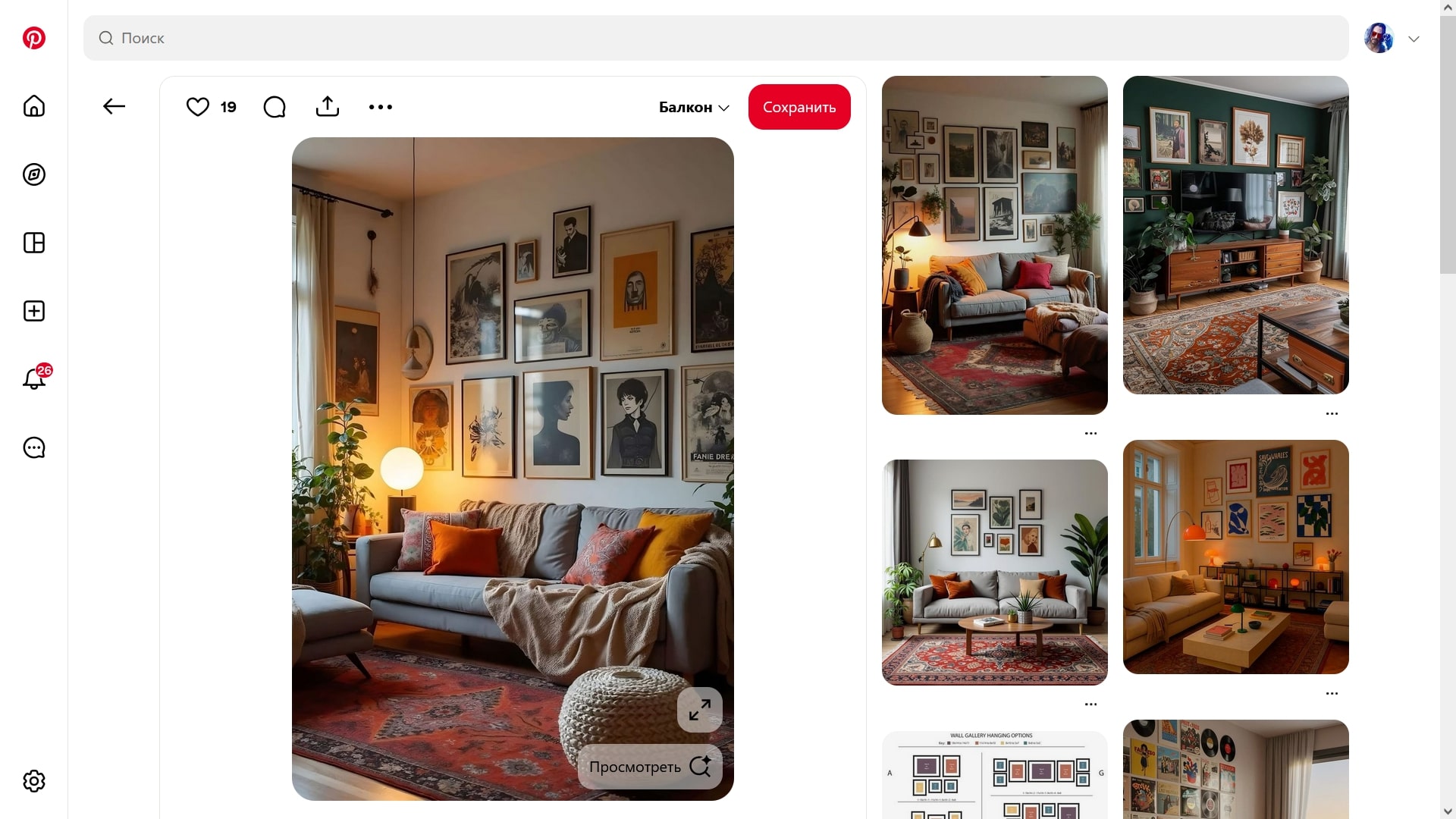
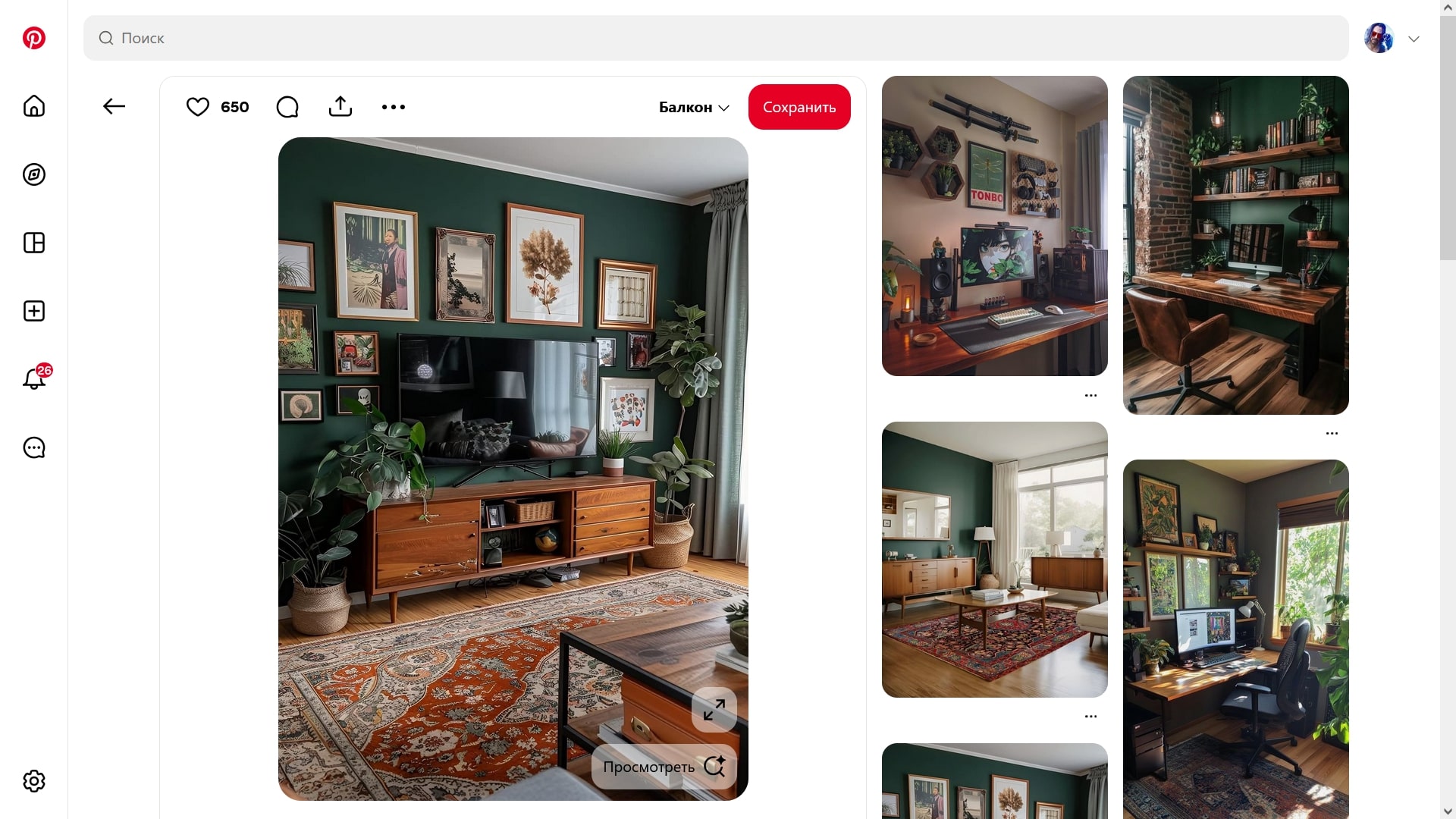
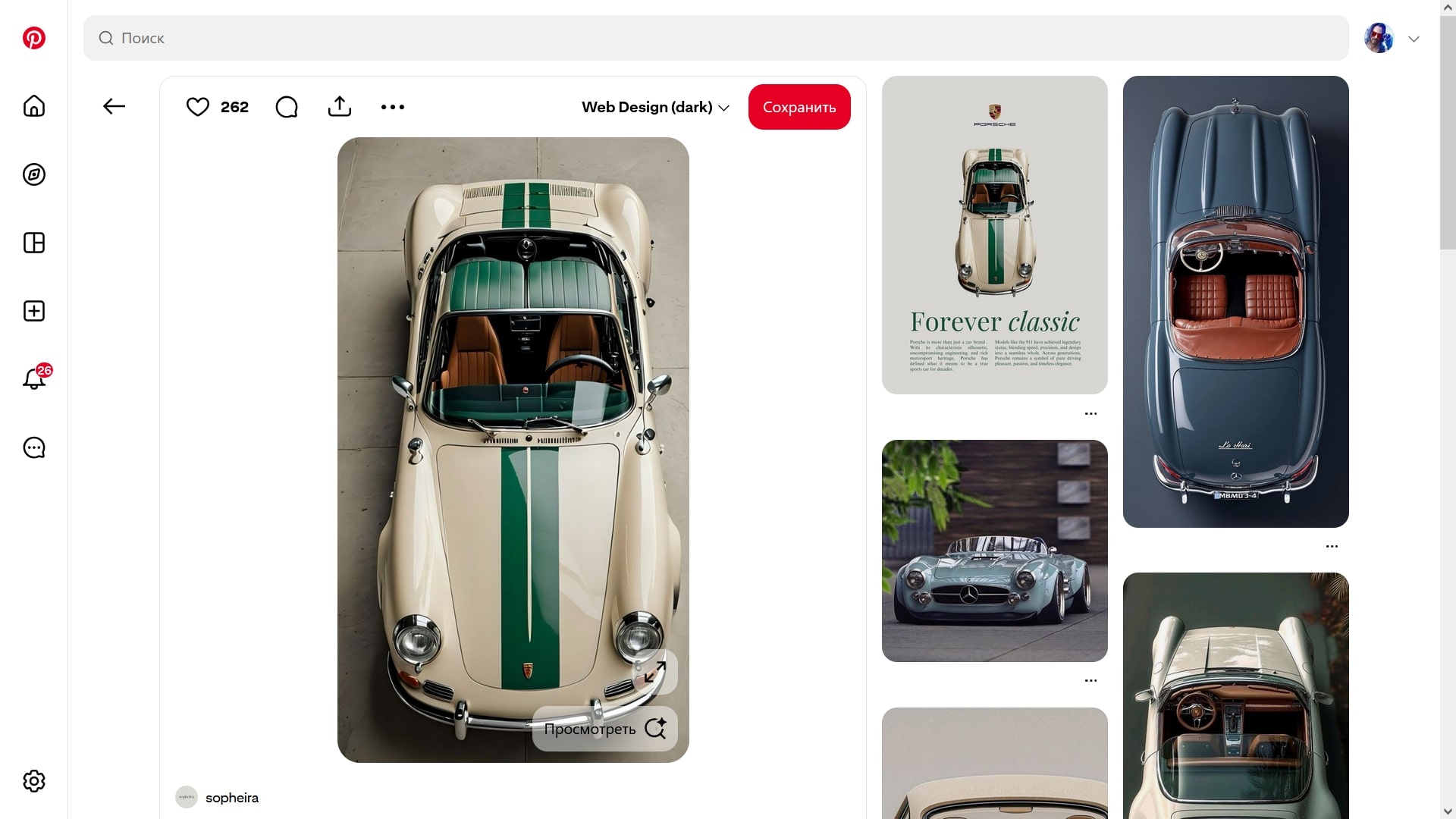
Pinterest is a free platform-library of media content and a social network for searching interesting images and videos on any topic, where you can express creativity and freedom of imagination. Each user can save content and share it, create themed boards, and follow other creators.
You can use it as a personal organizer, and if you download the Pinterest mobile app on an Android or iOS smartphone, you can access exclusive options unavailable in the web version: image search using the camera, video Pins, and Story Pins.
The Pinterest app is suitable for anyone looking for inspiration — it is worth installing for designers, artists, photographers, DIY enthusiasts, fashion lovers, and cooking fans. The algorithm suggests ideas for hobbies, creativity, interiors, style, and other aspects of life. There are also opportunities for business. Entrepreneurs can promote products and services through media advertising and organic content.
Features:
In the Pinterest mobile app, you can create boards and Pins and manage them:
- Add images and videos from the internet or upload them from your device.
- Create new Pins using the camera.
- Group Pins by categories. This helps simplify searching.
You can also interact with content:
- Like, comment on, and repin (save to your boards) other users’ Pins.
- Search for Pins by keywords or topics.
- Browse Pins in the feed, which displays content from users you follow.
There are also social networking options:
- Follow other users and boards. This helps you stay up to date with their updates.
- Secret boards with restricted access. They are visible only to the author and invited users.
- Working with group boards. This simplifies collaborative event planning and project development.
Additional features:
- Integration with other social networks. Allows you to share Pins.
- Access to analytics (number of views, saves, and clicks). Available only to business account owners.
You can also:
- Choose the interface theme — light or dark.
- Customize notifications and language settings.
- Add titles, descriptions, hashtags, and links to Pins.
- Schedule posts a month in advance.
- Group Pins by topics («Recipes,» «Weddings,» «Travel,» etc.).
- Filter content by categories and interests.
- Create and edit collages.
- Search for similar images using Pinterest Lens.
How to use Pinterest?
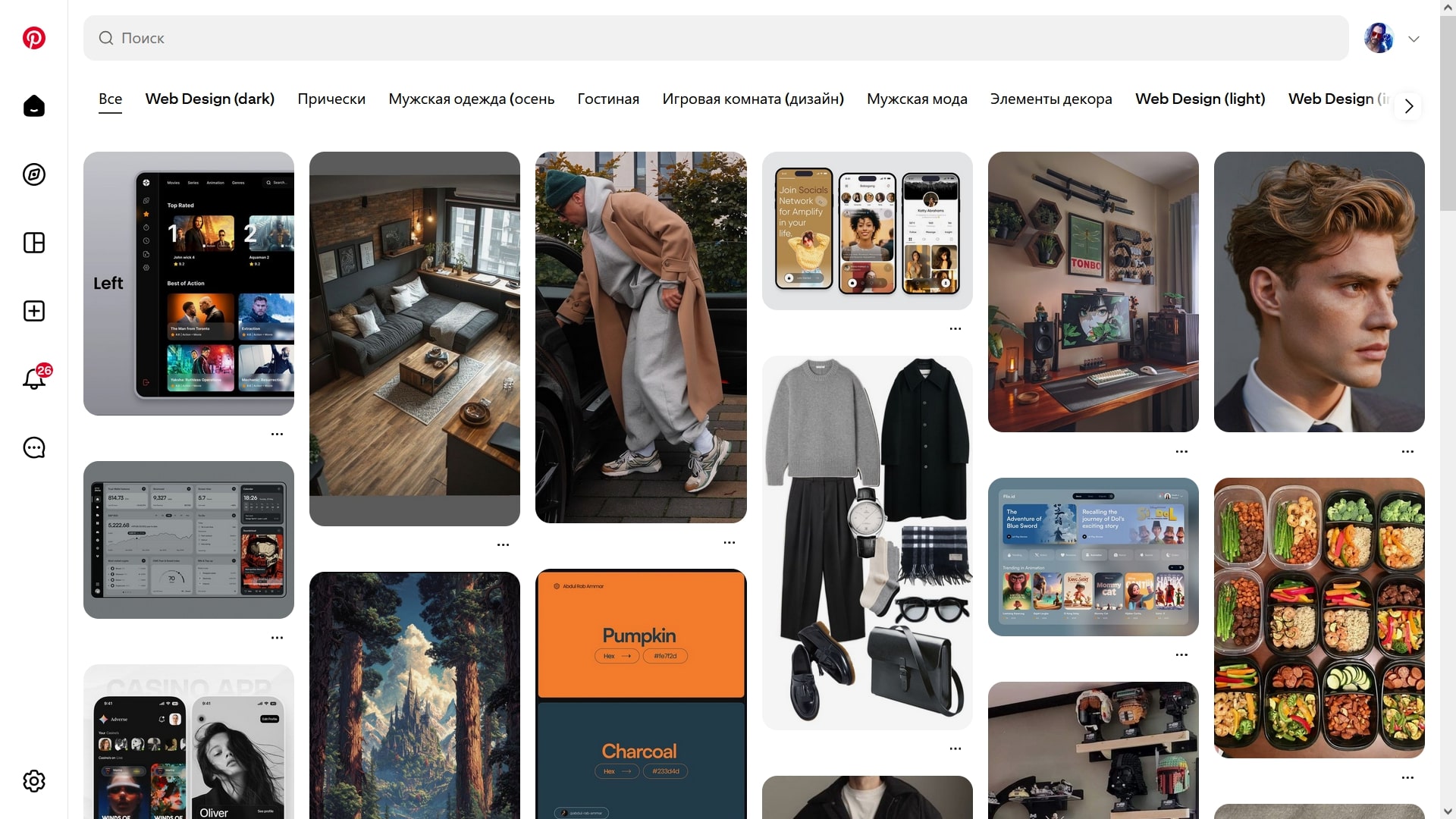
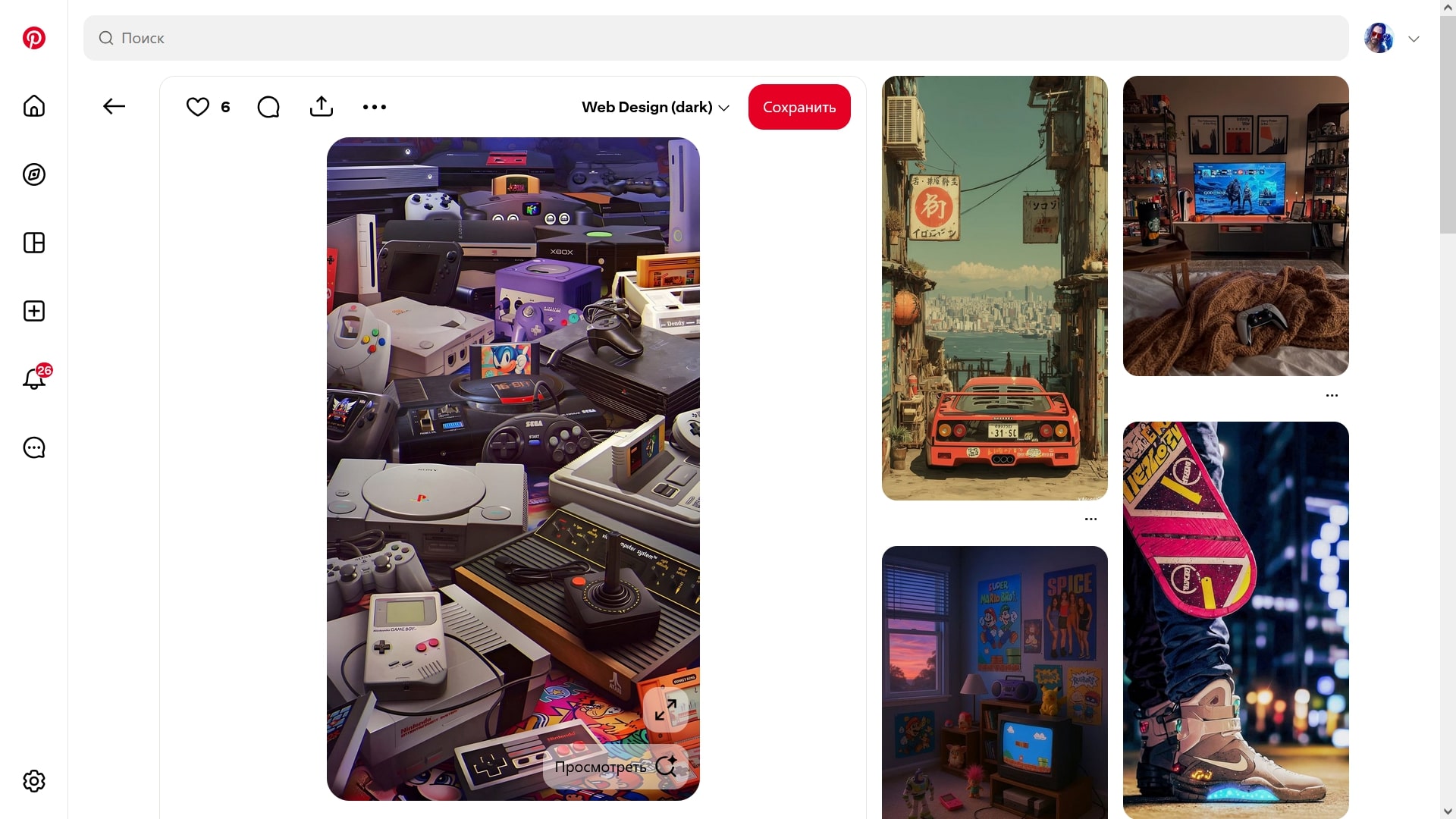
If you decide to download the Pinterest app on your phone, its interface mirrors the design of the web version. The focus is on large images and intuitive navigation. To fully use the app, you need to register — then all saved photos and content will be linked to your account.
On the home page, you will see a feed of Pins from users you follow. You will also see selections generated by the algorithm. They are formed based on your interests, subscriptions, and saved materials.
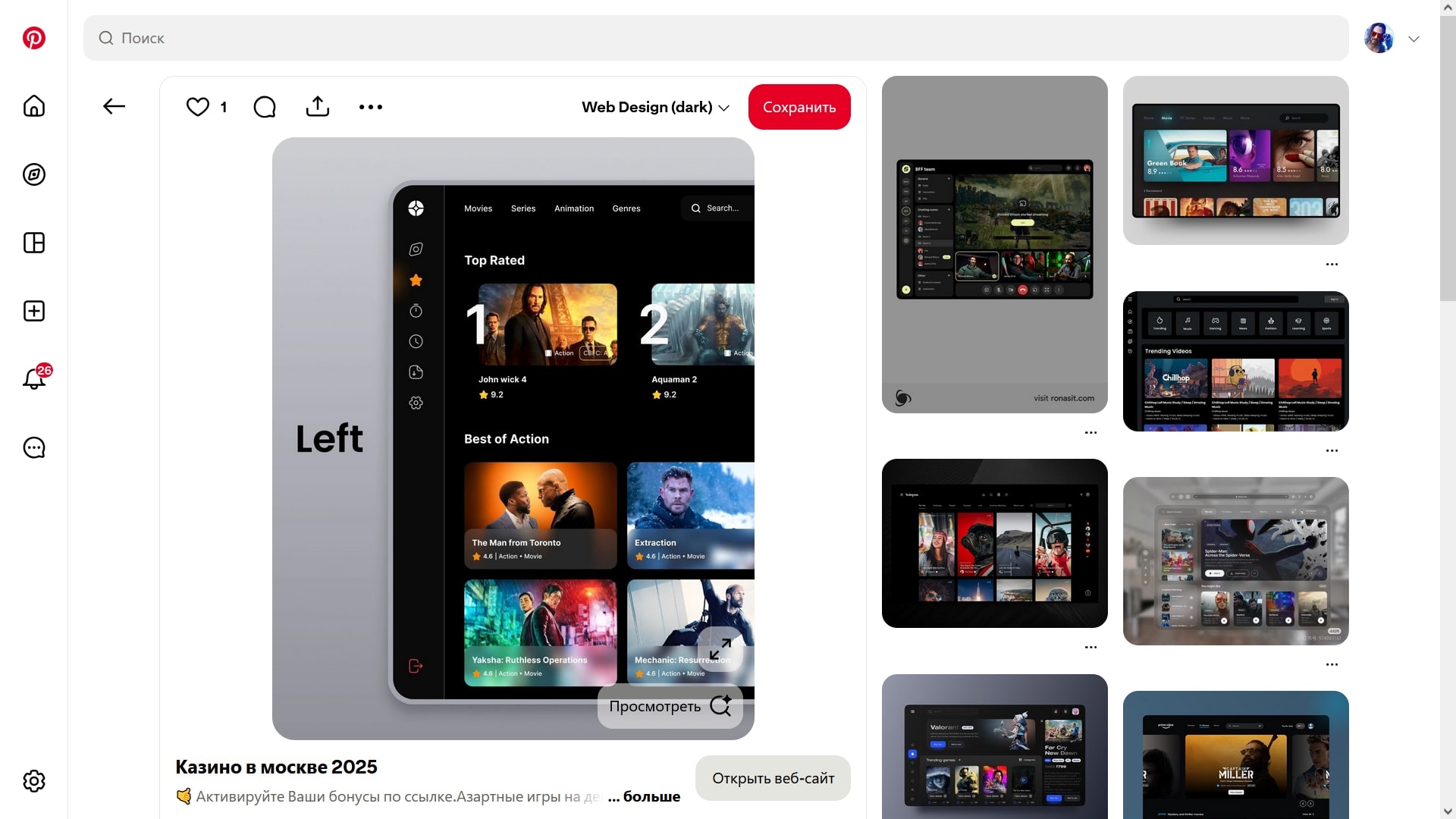
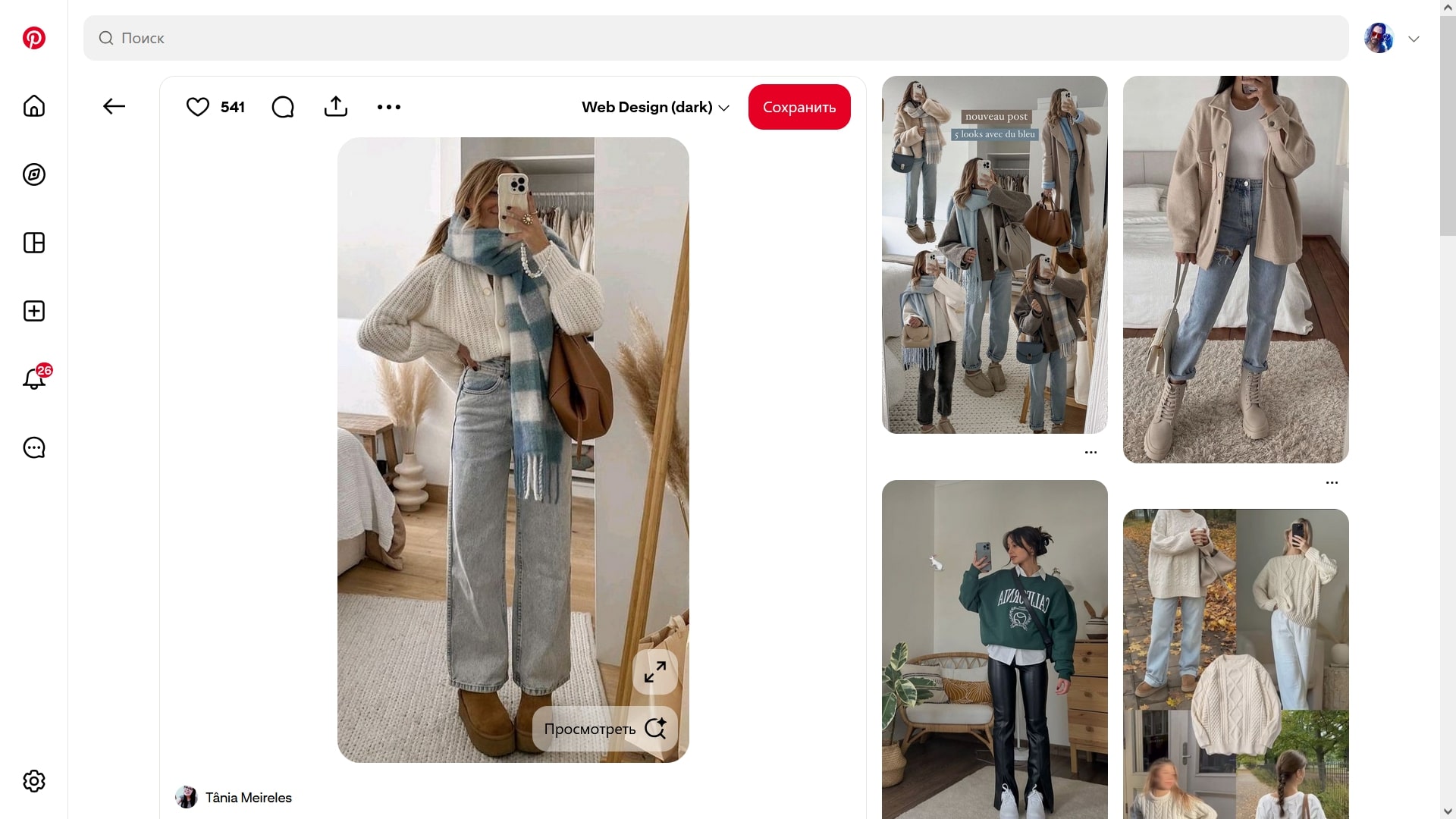
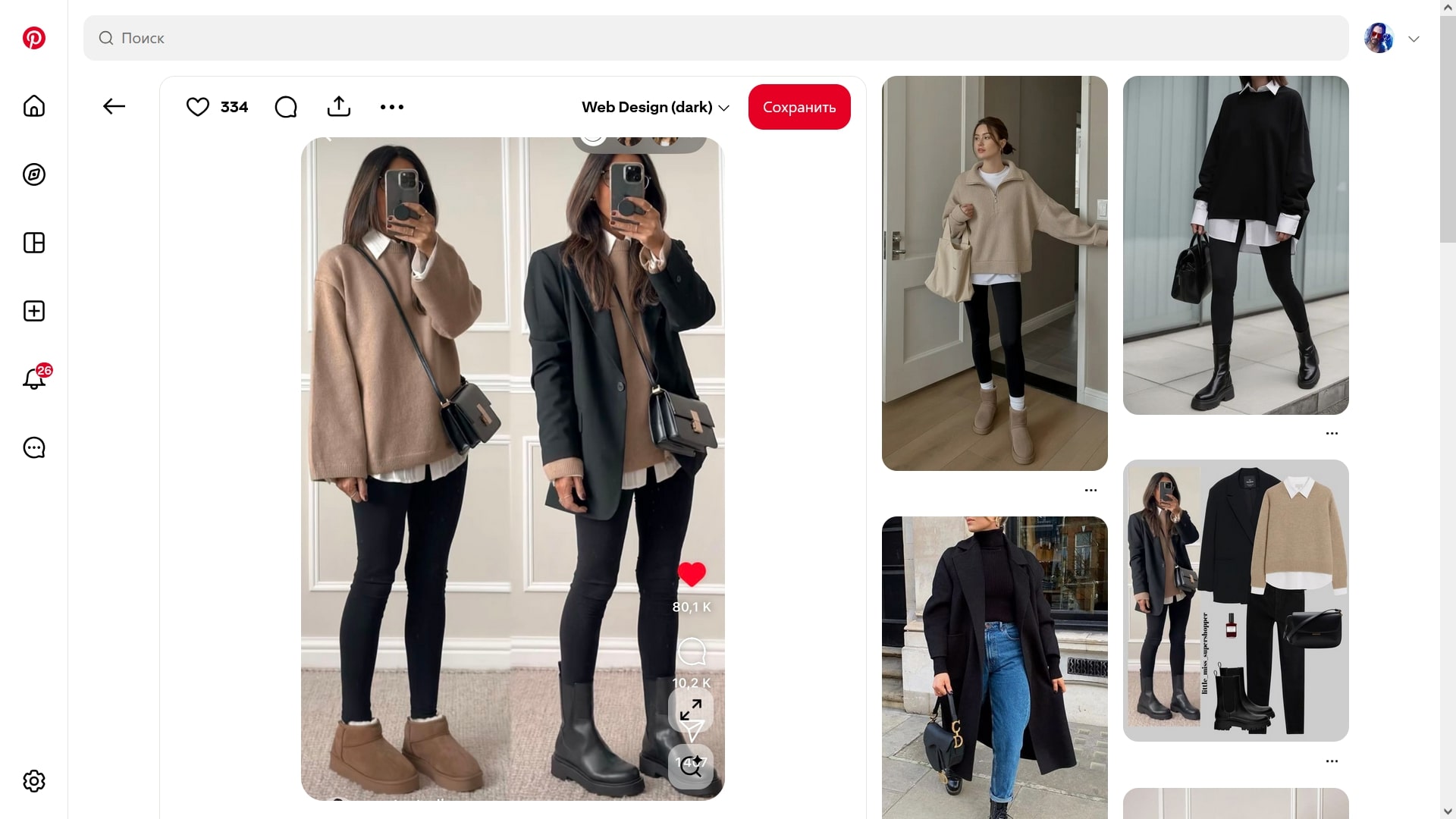
When you hover over a Pin, the «Save» button appears. When you click it, the Pin is added to your personal collection.
There are two sections in your profile:
- «Created» — Pins uploaded by the user.
- «Saved» — content added from the feed.
The control panel is located at the bottom of the screen. Its main elements:
- The «+» button. Allows you to create a new Pin or board.
- The profile icon. Tapping it opens access to personal settings and saved content.
- The search section with autocomplete. Provides keyword suggestions.
Pins can be downloaded via the menu. To do this, tap the three dots in the upper-right corner.
Tip: regularly clear the app cache. This helps avoid memory overload.
Pros:
- convenient and minimalist interface;
- a large amount of visual content;
- around 600 million active users;
- image search via Pinterest Lens.
Cons:
- personal recommendations are not always accurate;
- video upload issues in some app versions.
Conclusion
Pinterest is a very popular app for finding creative ideas, designs, and inspiration. It helps you create a personal collection of images and video clips on any topic. You can download the latest version of Pinterest (2026) for iOS (iPhone, iPad) and Android for free from the official website using the link below.