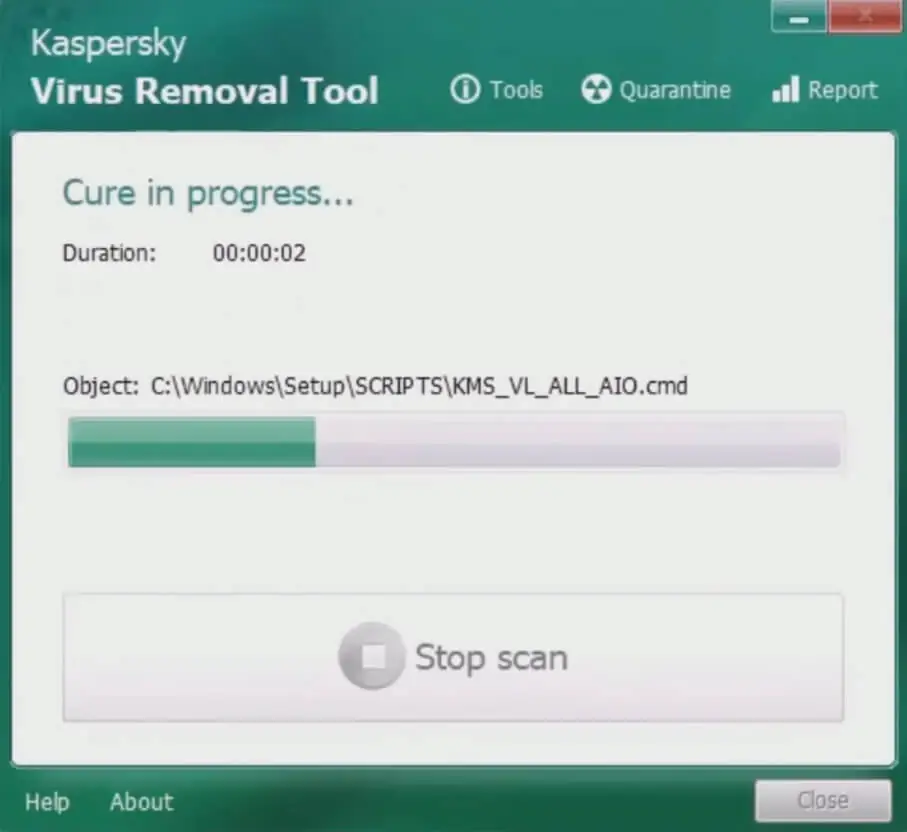
What is Kaspersky Virus Removal Tool?
Kaspersky Virus Removal Tool (KVRT) is a free, portable utility from Kaspersky designed to scan PCs on demand, detect threats, and thoroughly disinfect systems infected with viruses and other malware. The program is intended for post-infection cleanup and is useful in emergency situations when an installed antivirus has missed a threat, the system is behaving abnormally, or malware has blocked the installation of full-featured security software.
You can download Kaspersky Virus Removal Tool (2026) for Windows for free using the link at the end of this article.
Features
- Portable format. The utility requires no installation and can be launched from any folder or a USB flash drive. It can be used alongside other installed antivirus programs.
- Advanced malware detection and removal. Combines signature-based detection and heuristic analysis to identify viruses, Trojans, worms, rootkits, cryptominers, spyware, and adware.
- Emergency disinfection. The utility can deal with active infections, neutralize malware that interferes with the operating system, and detect and remove rootkits.
- Safe Mode support. The program can run and perform malware removal even when Windows is started in Safe Mode.
- System information collection. Collects system logs to help create custom disinfection scripts for complex or unusual infection cases.
- Quarantine. Isolates infected or suspicious objects, allowing them to be restored if a false positive is identified.
How to Use Kaspersky Virus Removal Tool
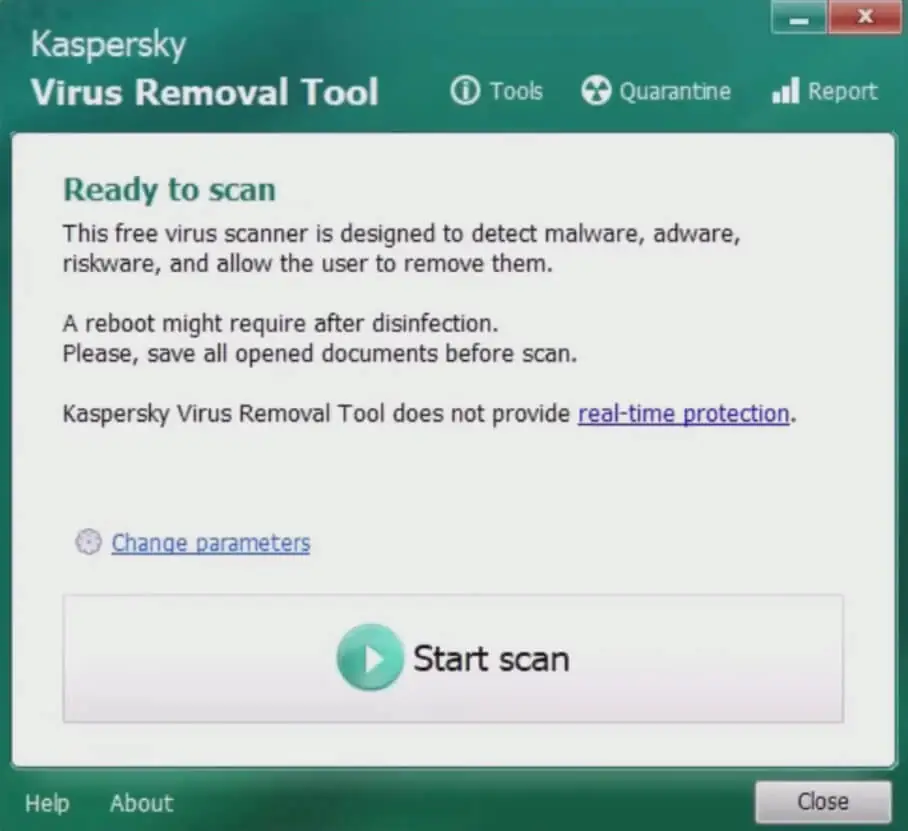
First, download the latest version of Kaspersky Virus Removal Tool from the official website and run it without installing it. The program has a straightforward interface: the main window provides a scan button, brief scanning statistics, and a "Change parameters" link for selecting the drives and folders to check.
Example of Use
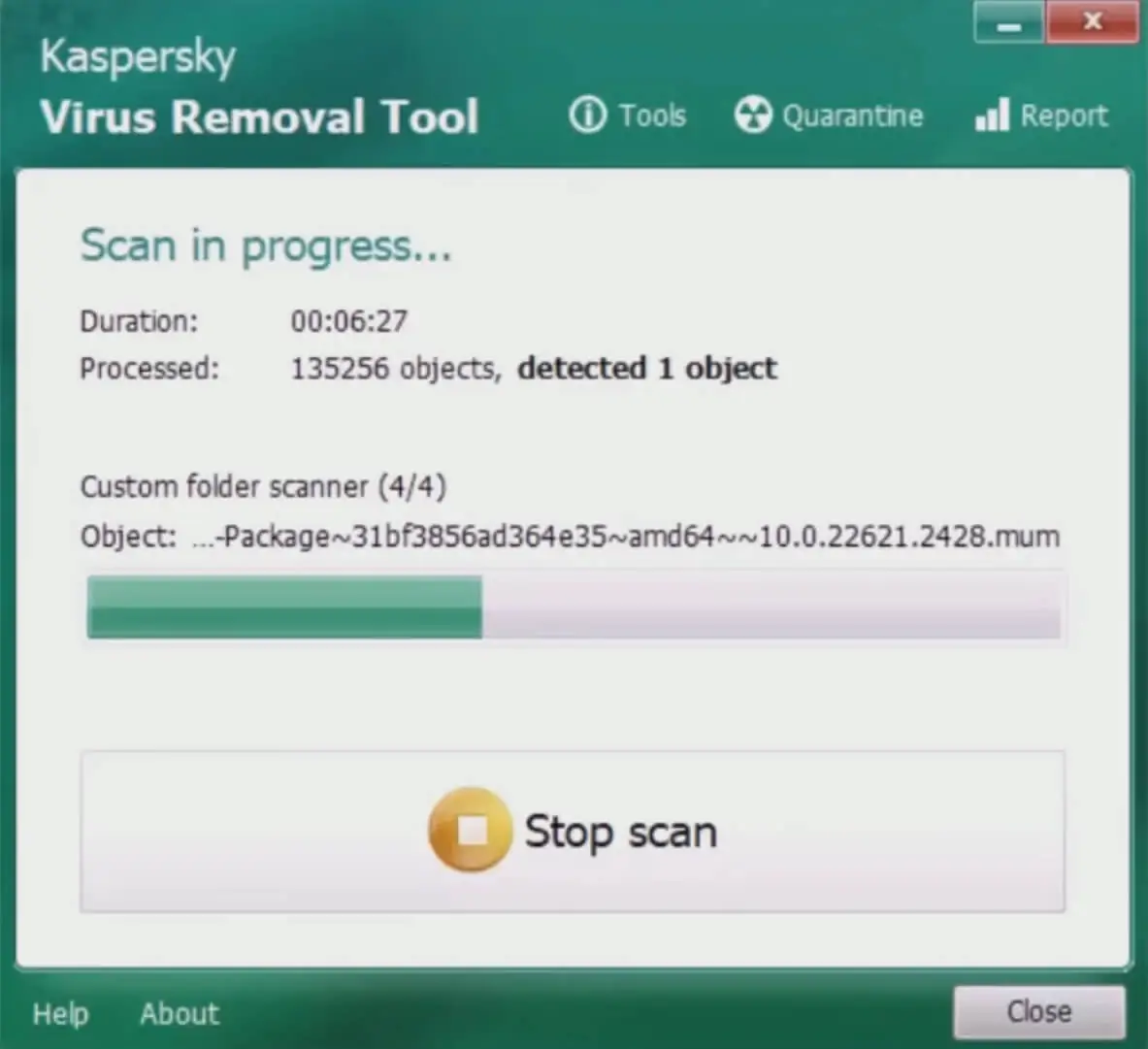
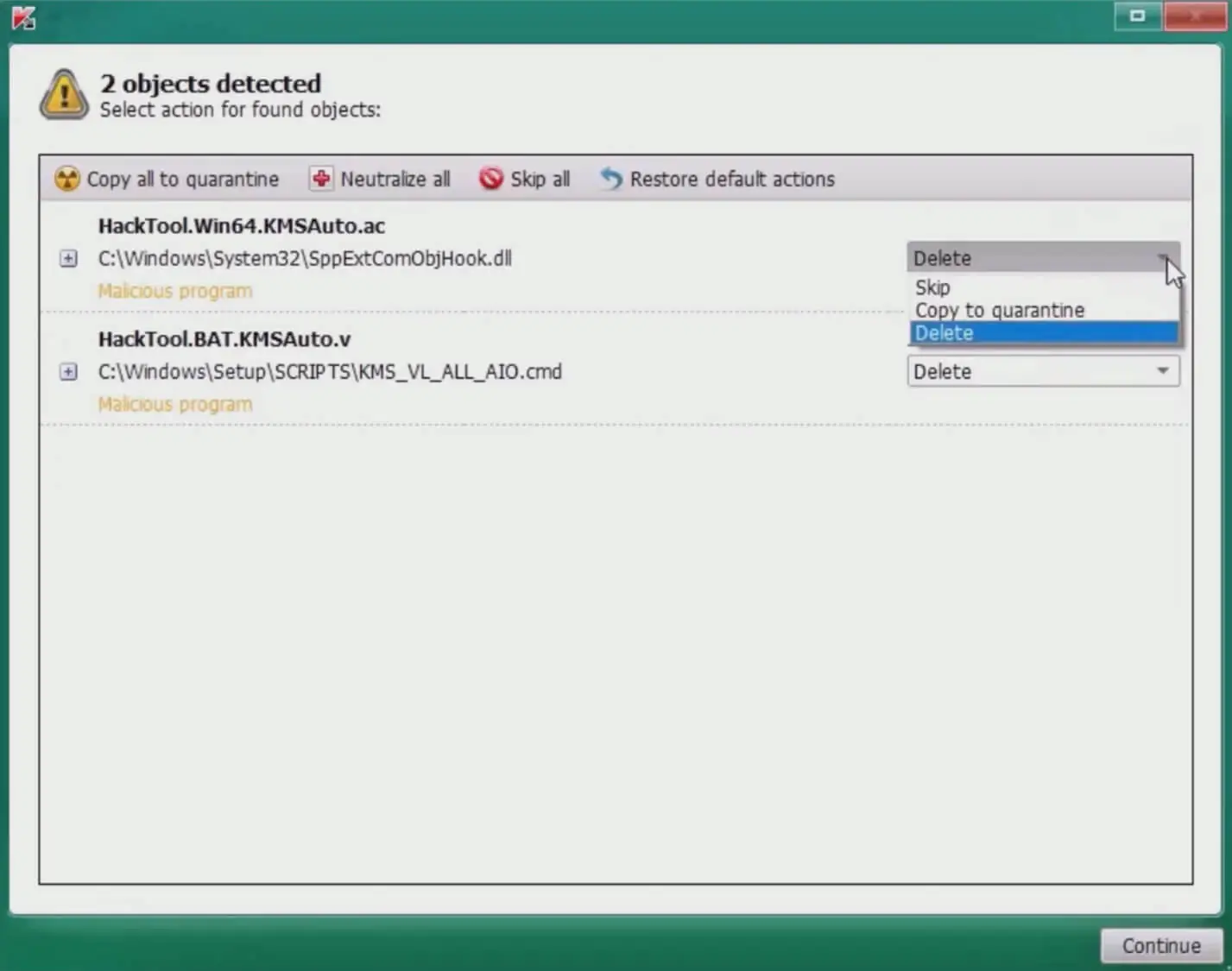
Suppose your computer has become extremely slow because of a background cryptominer that also blocks the installation of conventional antivirus software. You can run KVRT directly from a USB flash drive without installing it and select the drives and folders you want to scan, including system memory, boot sectors, the C:\ drive, and external USB drives. Click the "Start scan" button and wait for the process to finish. The utility will display detected threats and offer actions to neutralize malicious processes and disinfect infected files.
Pros
- Free of charge. Kaspersky Virus Removal Tool is available at no cost and provides access to Kaspersky's malware detection technologies without a paid subscription.
- Compatibility with other security software. It can be used alongside an existing antivirus, such as Microsoft Defender, Avast, or ESET, as a second-opinion scanner.
- High detection accuracy. Uses Kaspersky's malware signatures and detection algorithms to identify a wide range of threats.
- No persistent background processes. Once closed, the utility does not maintain continuous protection services or consume system resources in the background.
Cons
- No real-time protection. The program does not provide continuous protection for your PC. It is designed for on-demand scanning and removal of existing threats.
- No automatic database updates. Virus definitions are included in the downloaded package. To scan for the latest threats later, you will need to download a newer version of the utility.
Conclusion
Kaspersky Virus Removal Tool is one of the best free malware removal utilities for Windows. It is particularly useful when a computer is already infected and the installed antivirus has been compromised or is unavailable. Thanks to its portable design and powerful detection and disinfection capabilities, it remains a valuable tool for both everyday users and computer technicians.
Download the latest version of Kaspersky Virus Removal Tool (2026) for Windows and Linux for free from the official website using the link below.