What is GOG Galaxy?
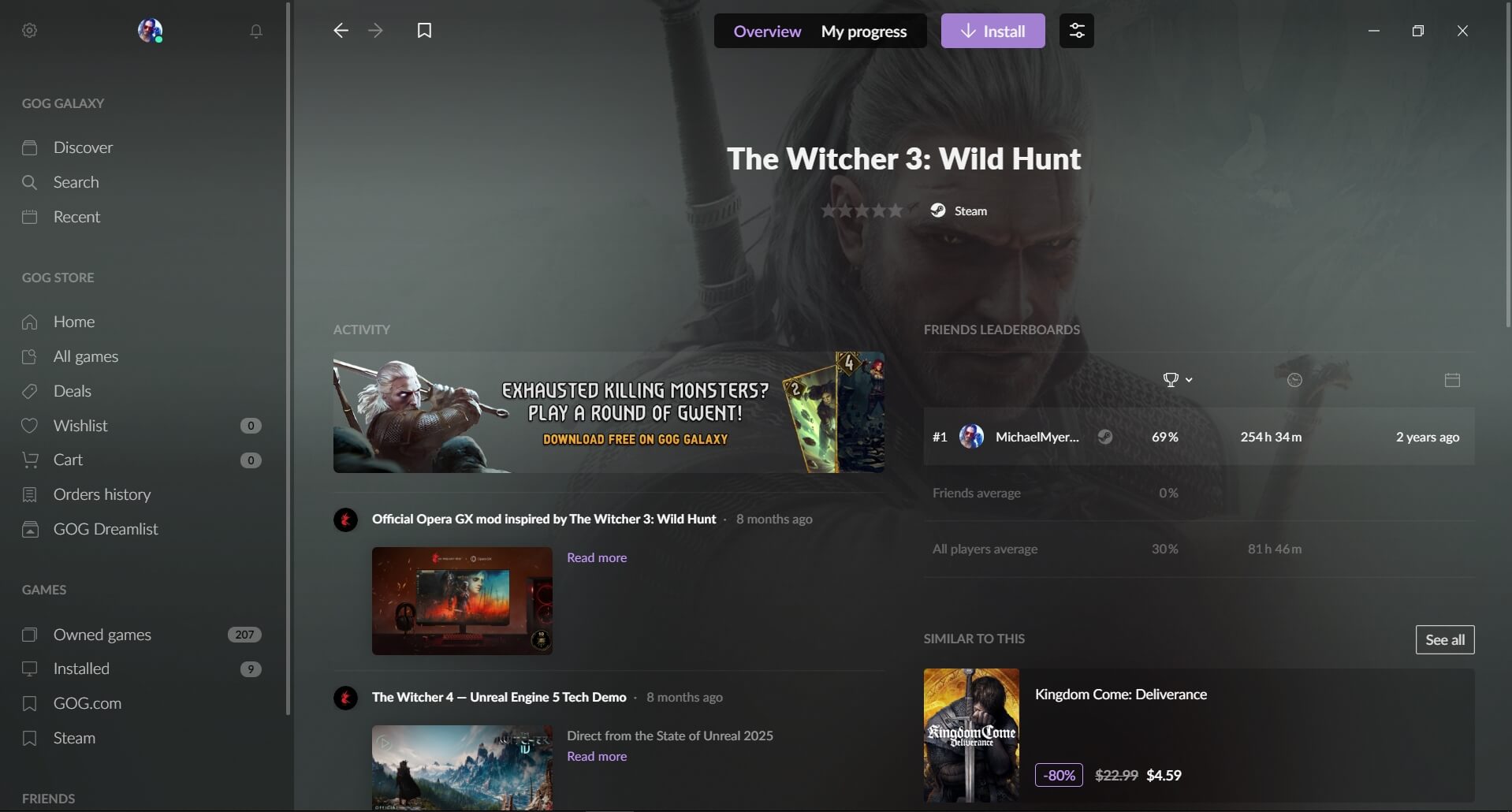
GOG Galaxy is a free platform that brings together game launchers (Steam, Epic Games, Ubisoft Connect, Xbox, PlayStation, and others) and game libraries from different companies in one place. It can synchronize PC and console accounts, track game purchases, time spent playing, user achievements, and the activity of friends. This universal launcher solves the problem of managing games located across different ecosystems and platforms.
You can download the GOG Galaxy game launcher (2026) for free from the official website using the link at the end of the article.
Features:
- Combines games from all game launcher libraries into a single place.
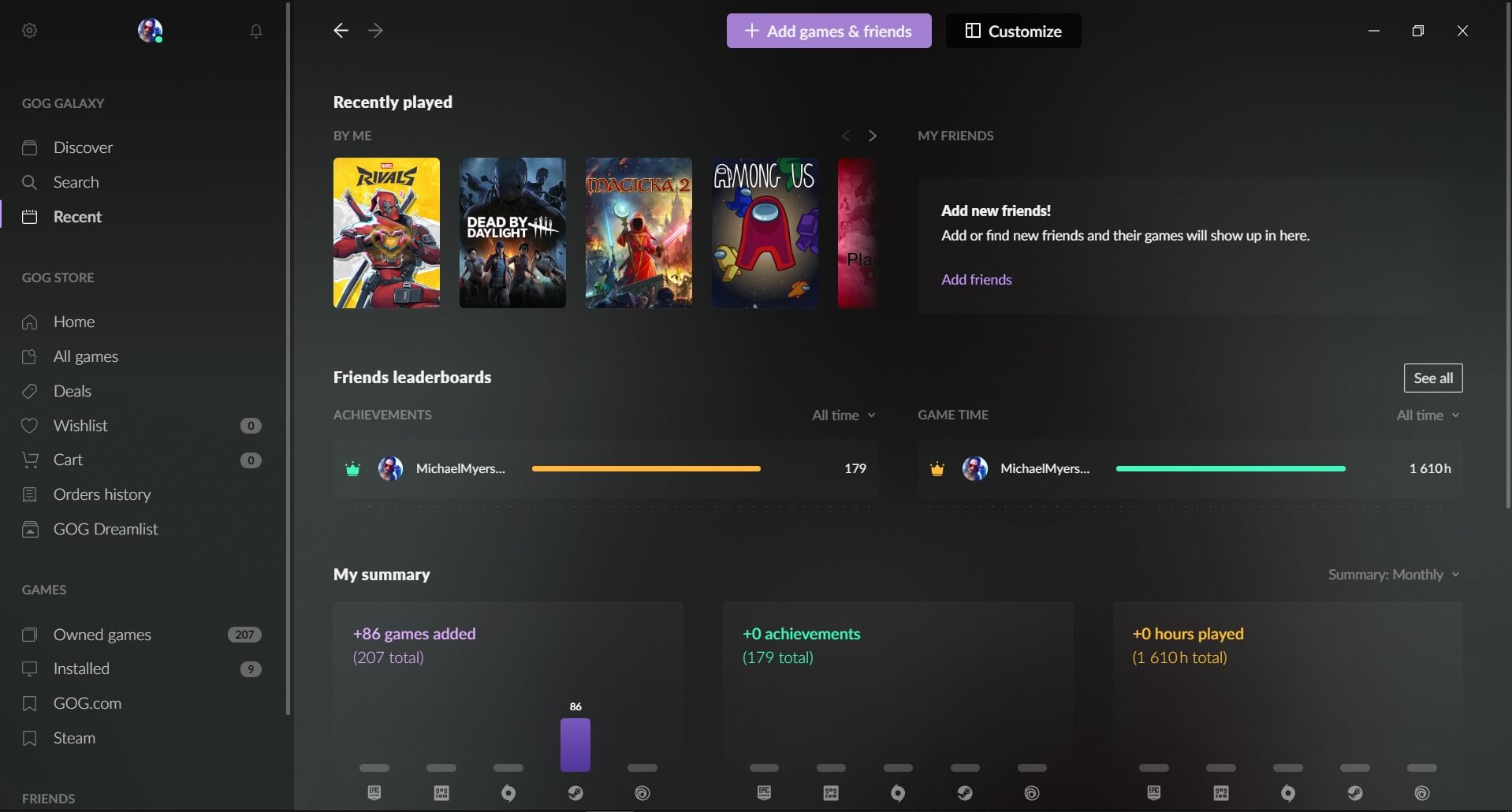
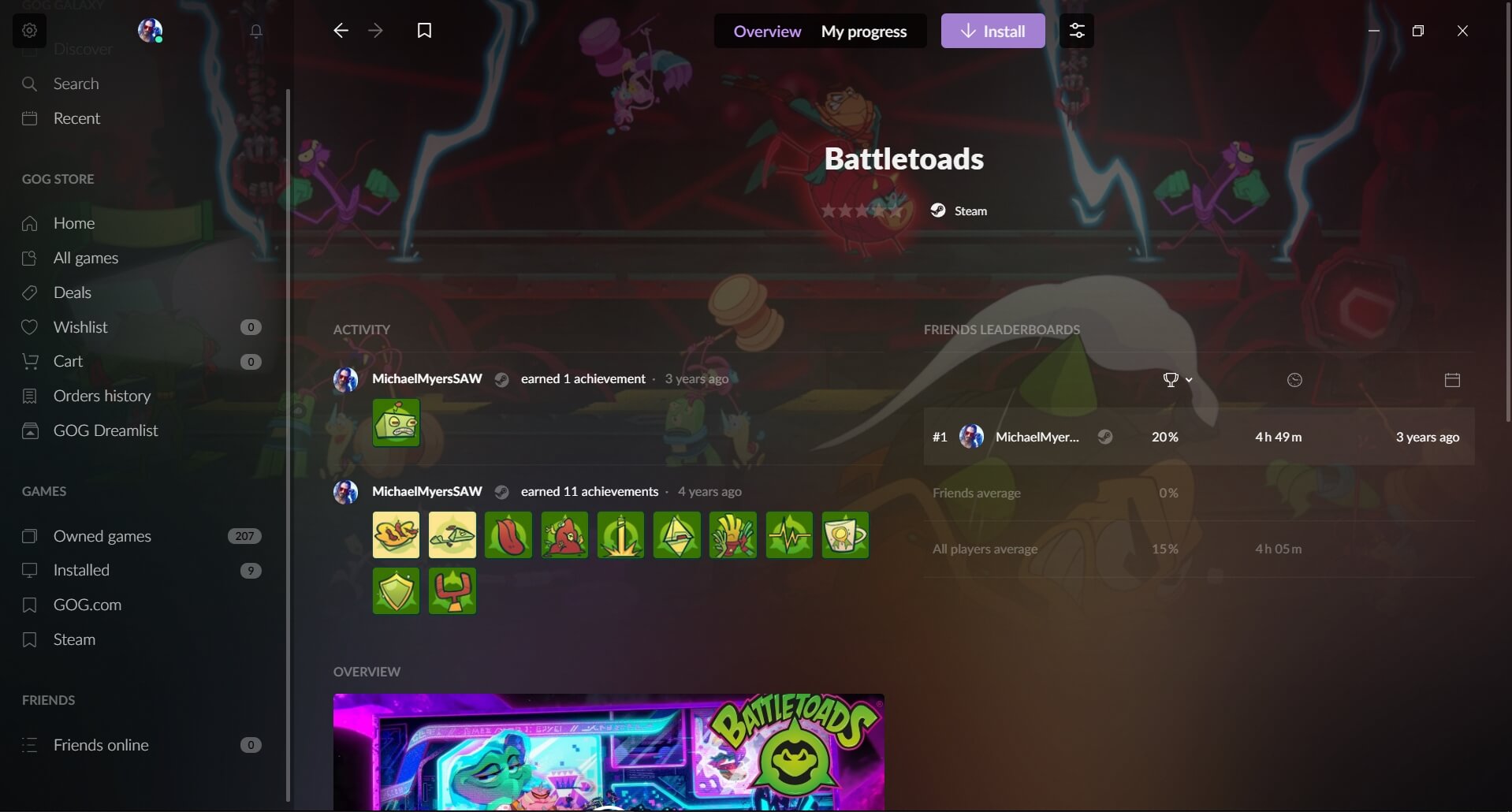
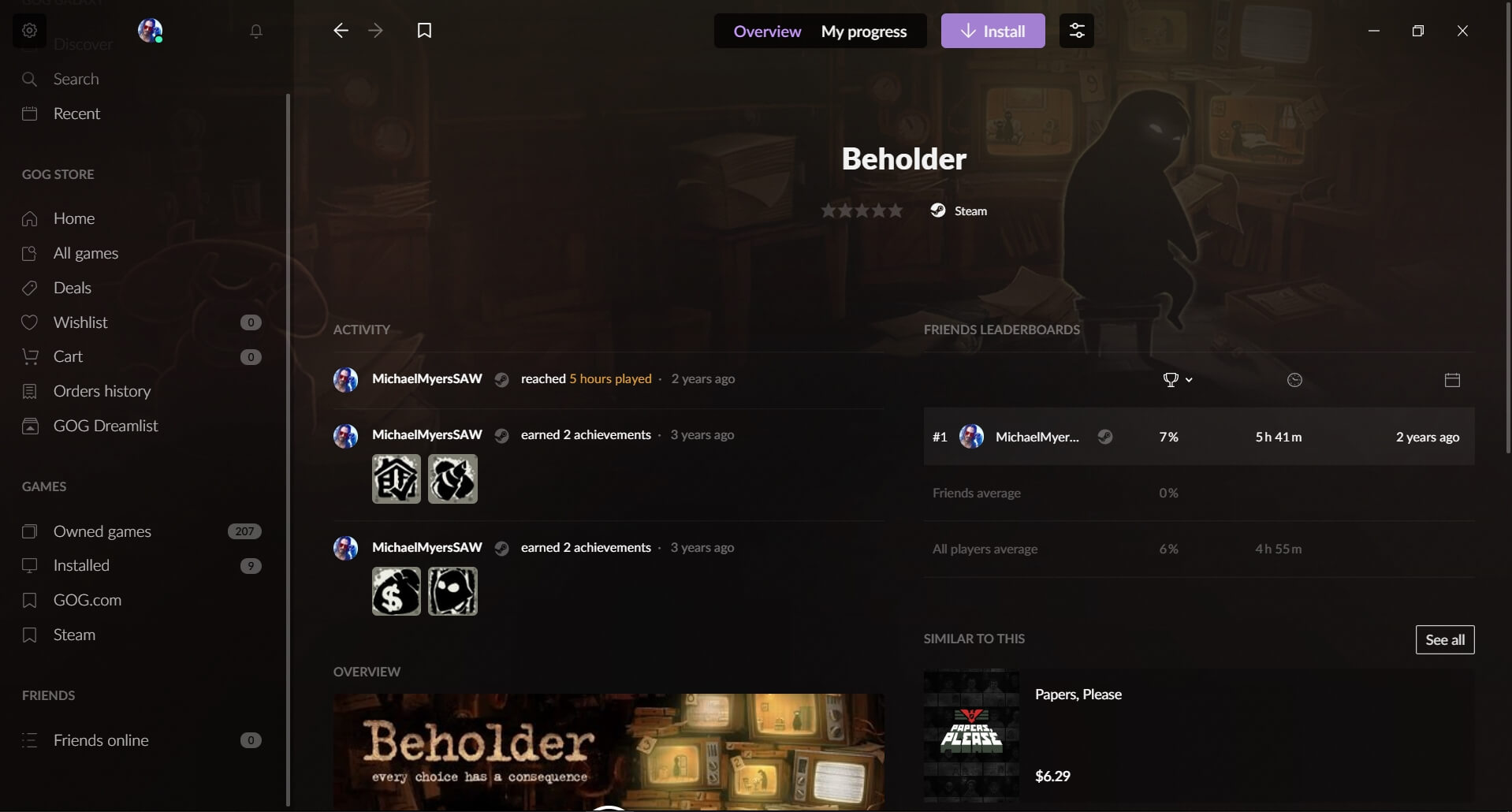
- Imports statistics, ratings, achievements, and completion progress.
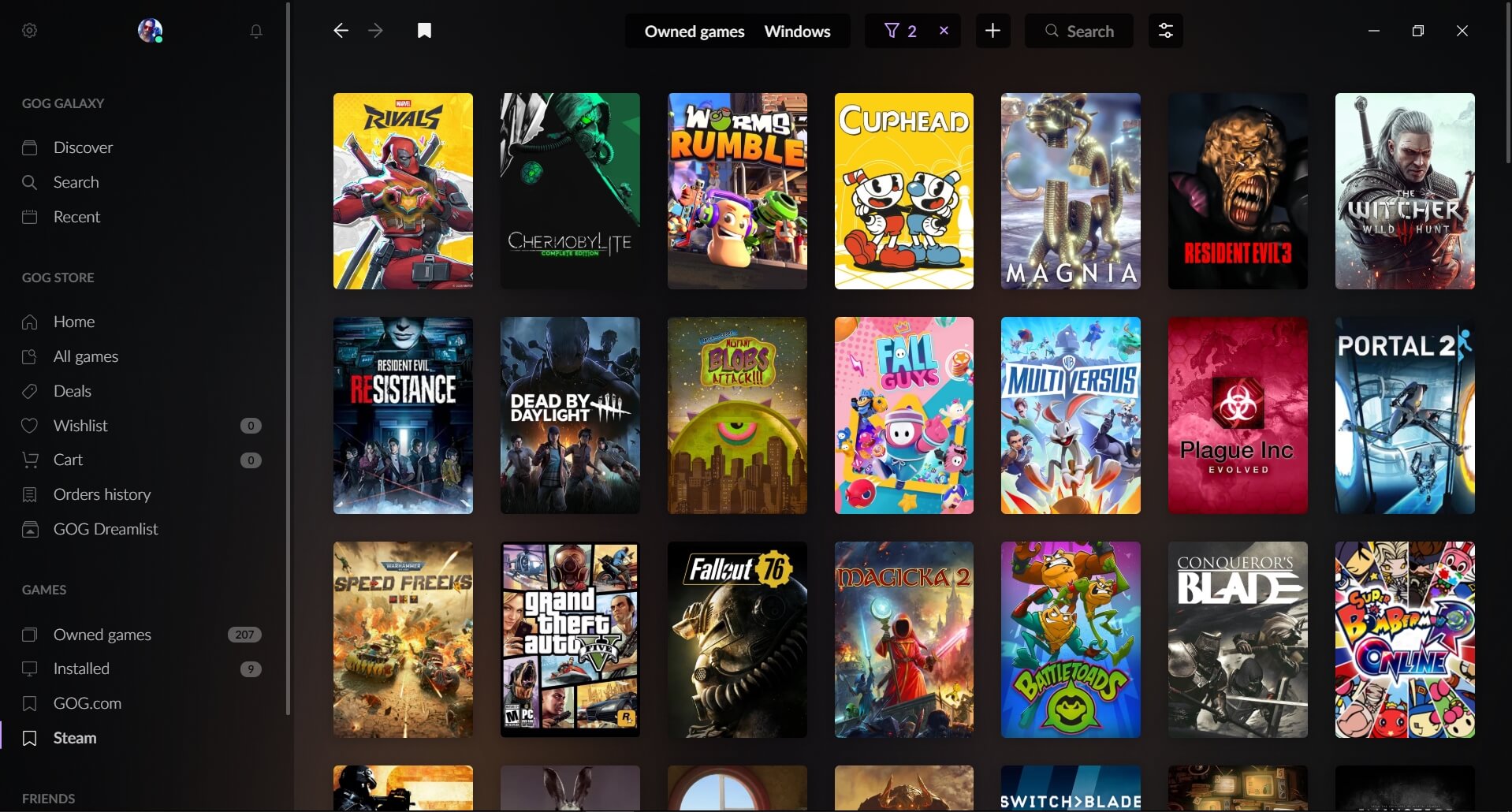
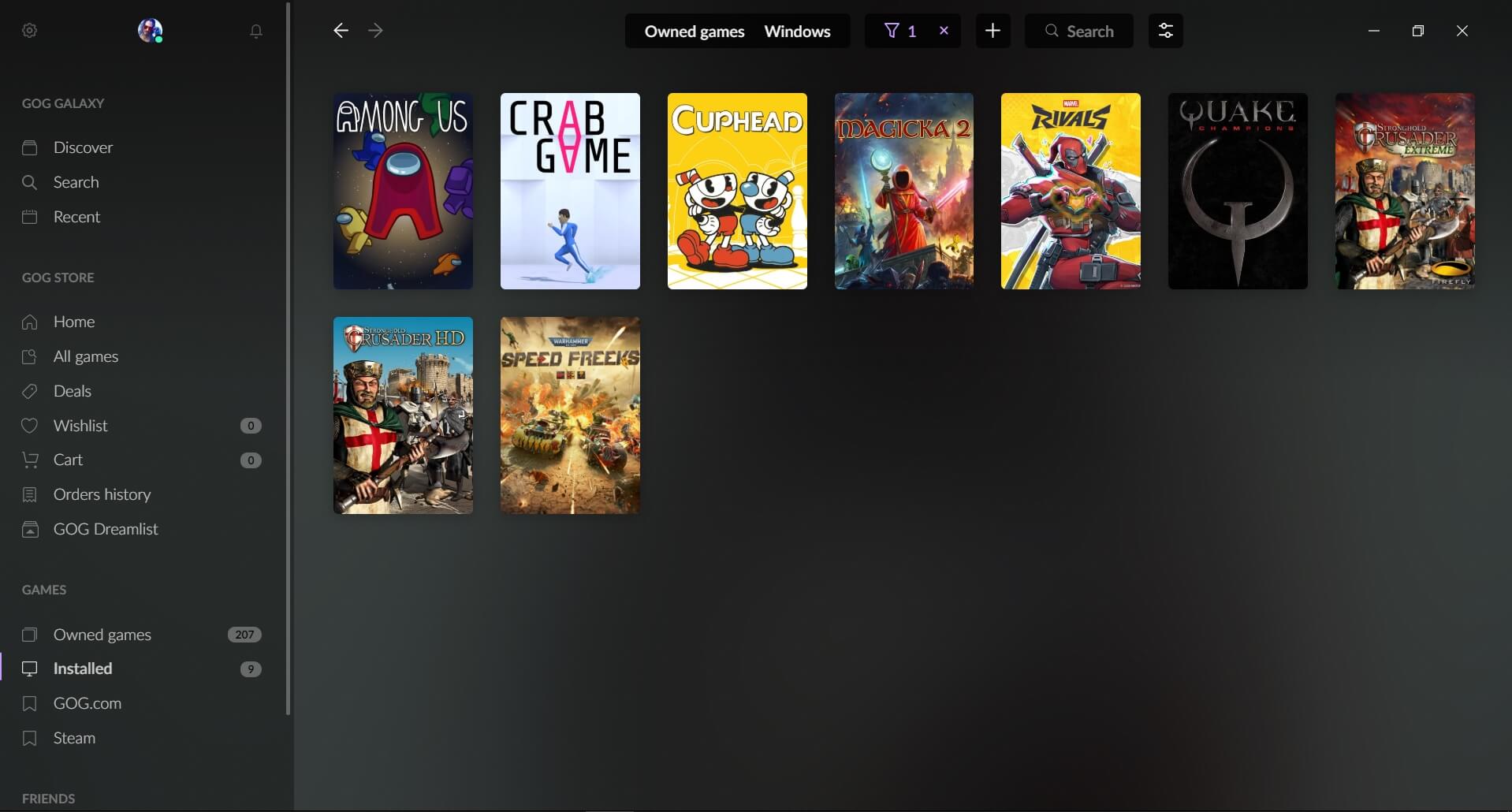
- Convenient sorting and filters (by genre, popularity, release year, etc.) and tags that let you group games to your liking.
- Automatic updates and a rollback feature in case a new patch causes issues.
- Open-source software that allows adding custom features.
- Cloud saves and settings with cross-platform synchronization between devices (PC and consoles).
- A unified chat for all friends from all launchers.
- GOG Galaxy provides excellent support for running classic video games on modern operating systems such as Windows 10, Windows 11, and macOS.
- Games purchased on GOG do not include DRM protection, meaning they can be launched without an internet connection or a launcher — these games are 100% yours.
How to use GOG Galaxy?
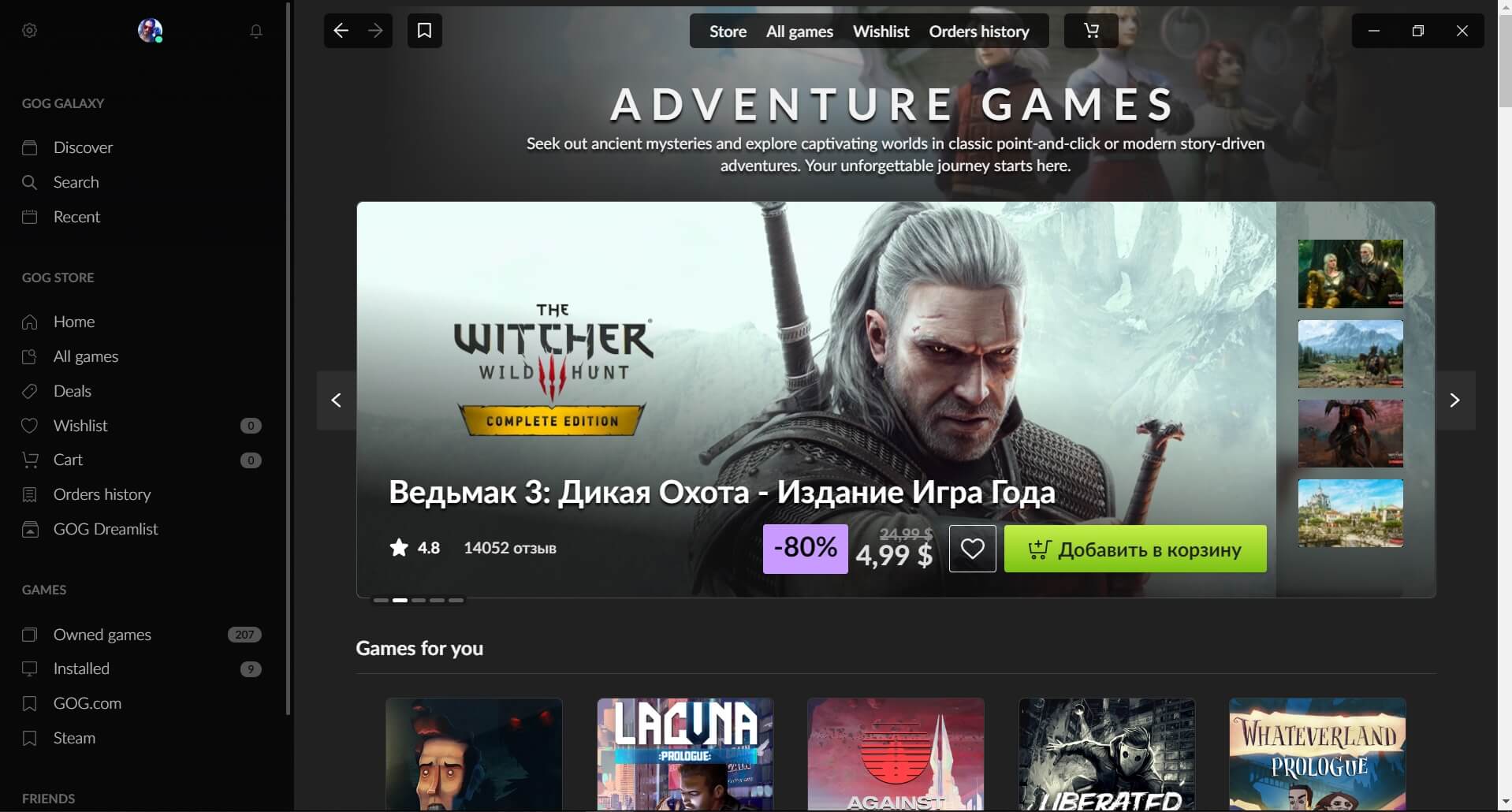
First, you need to download the GOG Galaxy launcher for free to your PC, install it, launch it, and create an account. After that, you can get started. The interface is simple yet attractive and functional: on the left side of the window you can see the main menu with sections for the store, library, installed games, wishlist, latest news, and promotions.
After purchasing a game, click “Install,” choose a download location, and wait for the download to complete. To connect third-party launchers, go to the platform settings (the gear icon in the top-left corner) and select “Integrations.” By entering the credentials for the relevant accounts (Steam, EGS, etc.), you can link them to the system.
An interesting feature of the utility is the ability to install games offline from GOG.com
Pros:
- GOG Galaxy can be downloaded for free with no need to pay for any services.
- A convenient unified library that gathers all launchers in one place.
- No personal data is collected. Only the information specified by the user is imported.
- Displays friends’ online status and current activity.
- The library can be customized: you can remove or add blocks and change game covers.
- Frequent game giveaways.
- No DRM protection in games.
Cons:
- Recently purchased games may appear with a delay, be detected incorrectly, or require the “native” launcher.
- Playtime and other statistics may be inaccurate.
- Some plugins may work unstably.
Conclusion
GOG Galaxy is a well-established gaming platform with a pleasant and user-friendly interface that brings together all games and data from multiple game launchers in one place. You can download the latest version of GOG Galaxy (2026) for free from the official website using the link below.