What is Battle.net?
Battle.net is a game launcher and digital platform that enables the distribution of Blizzard Entertainment titles (Starcraft, World of Warcraft, Overwatch, Diablo, Call of Duty, etc.) and provides social interaction between players.
The functionality is quite appealing:
- a wide catalog of video games, most of them from Blizzard and some from third-party developers;
- fast installation, updates, and launching;
- online multiplayer and matchmaking system;
- excellent social features – adding friends, group and private chats, interest-based communities;
- quality tools for managing your account and subscriptions;
- easy purchase, download, and storage of new games in your library.
Download the free Battle.net launcher (2026) for Windows, macOS, and mobile devices from the official website using the link at the end of the article.
Battle.net allows you to quickly and easily install Blizzard games, ensuring stability and security. It also provides a great social environment and a simplified automated update process. Support works efficiently, resolving any issues promptly.
The Battle.net app is popular among Blizzard fans, esports players, and competition enthusiasts.
Features:
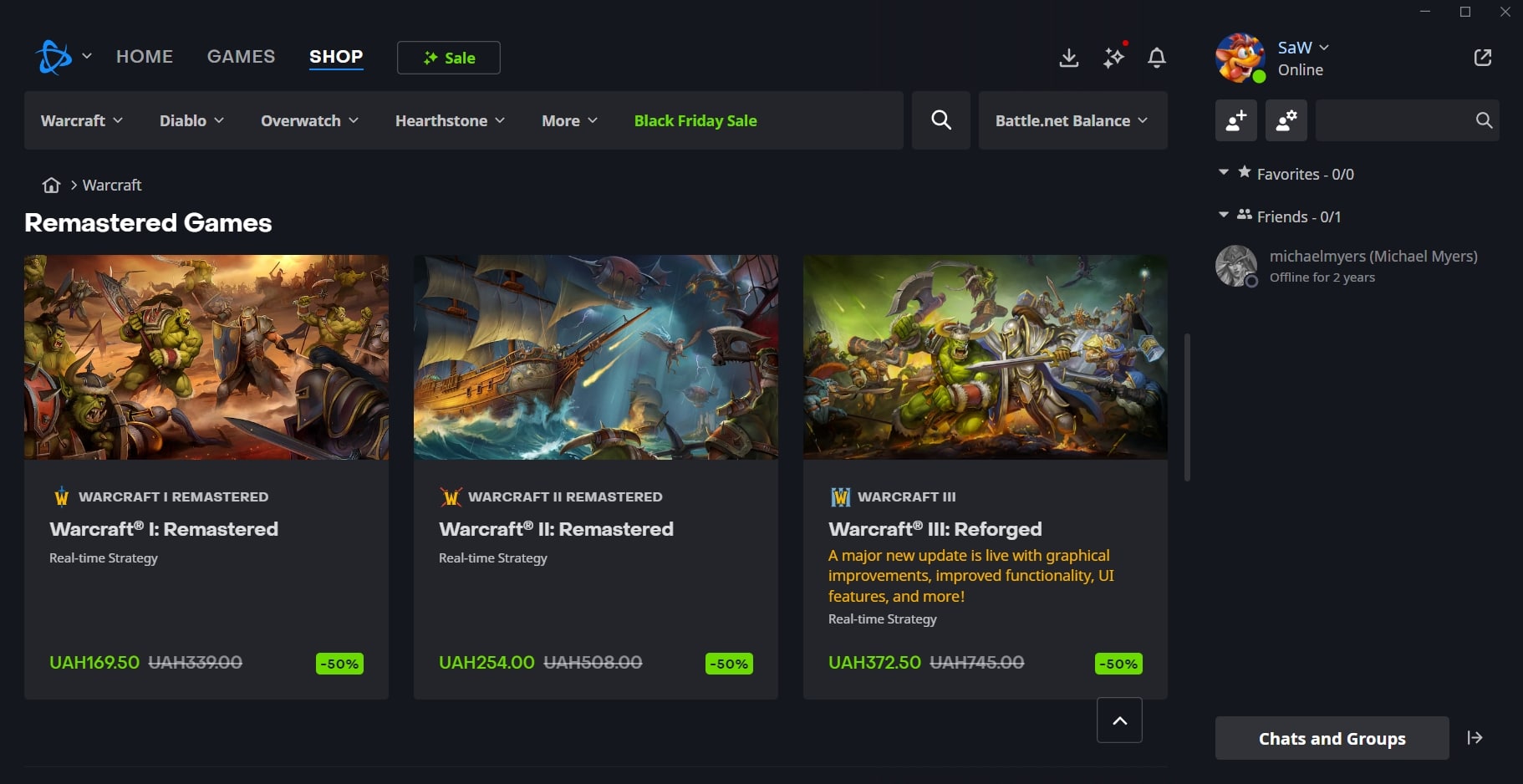
- purchasing and pre-ordering online games;
- automatic game download resumption after connection restoration;
- searching for rankings, channels, matches, and more;
- adding users to your friends list and chatting in private or group chats;
- easy management of your account, subscriptions, and payments;
- purchasing skins, add-ons, and in-game currency;
- prompt notifications about updates and gifts;
- quick resolution of freezes or program issues;
- convenient support chat.
Using Battle.net: interface, controls, tips
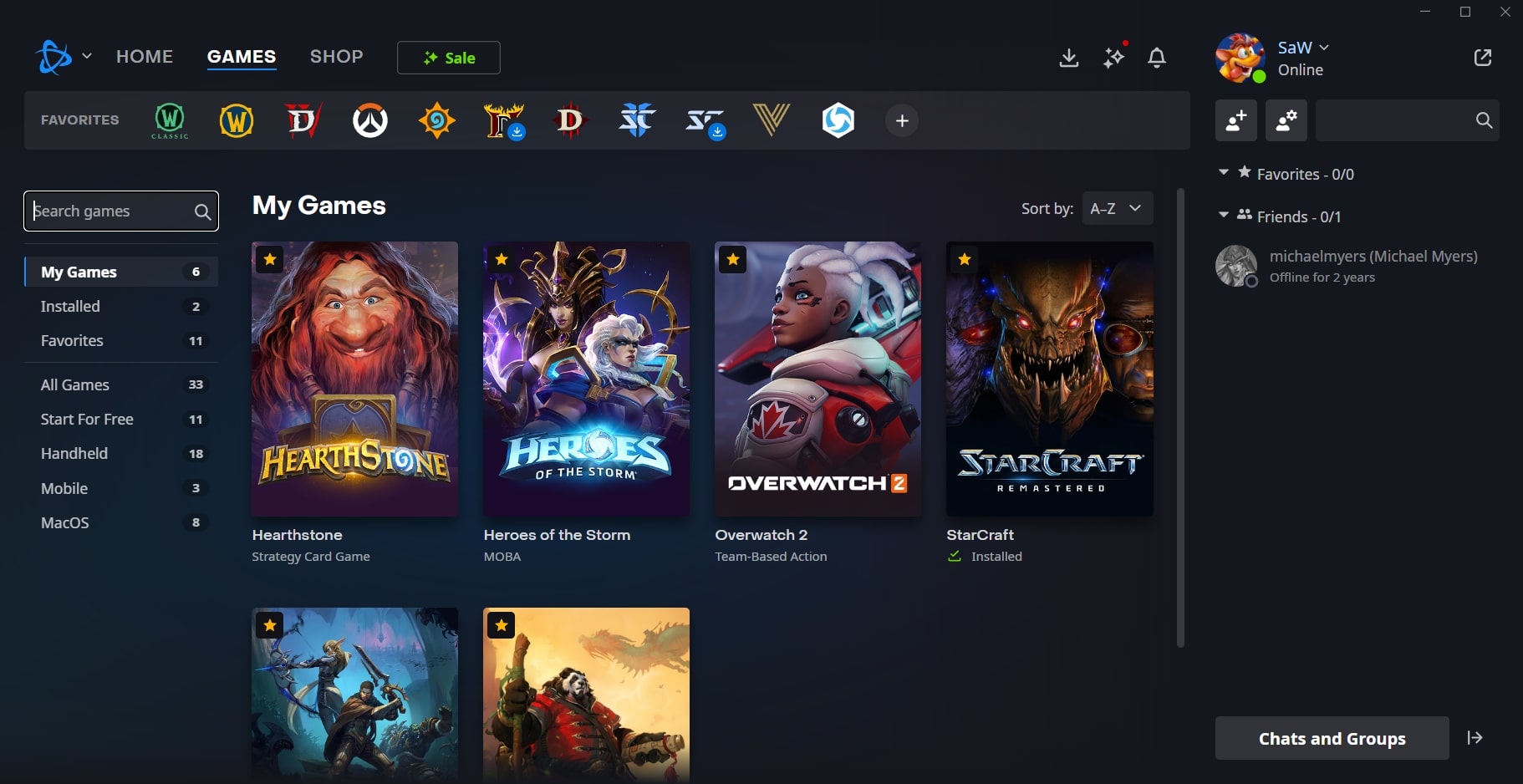
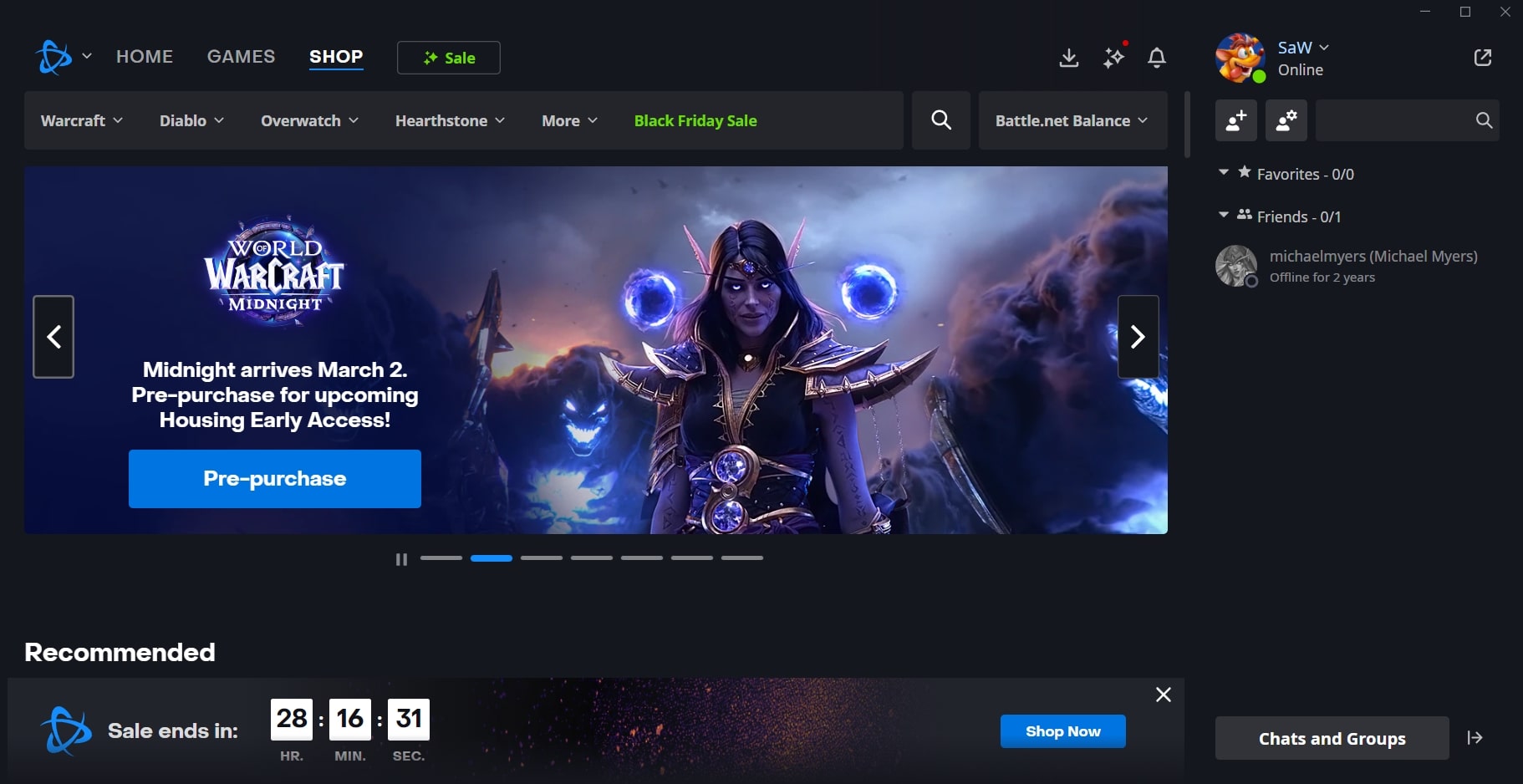
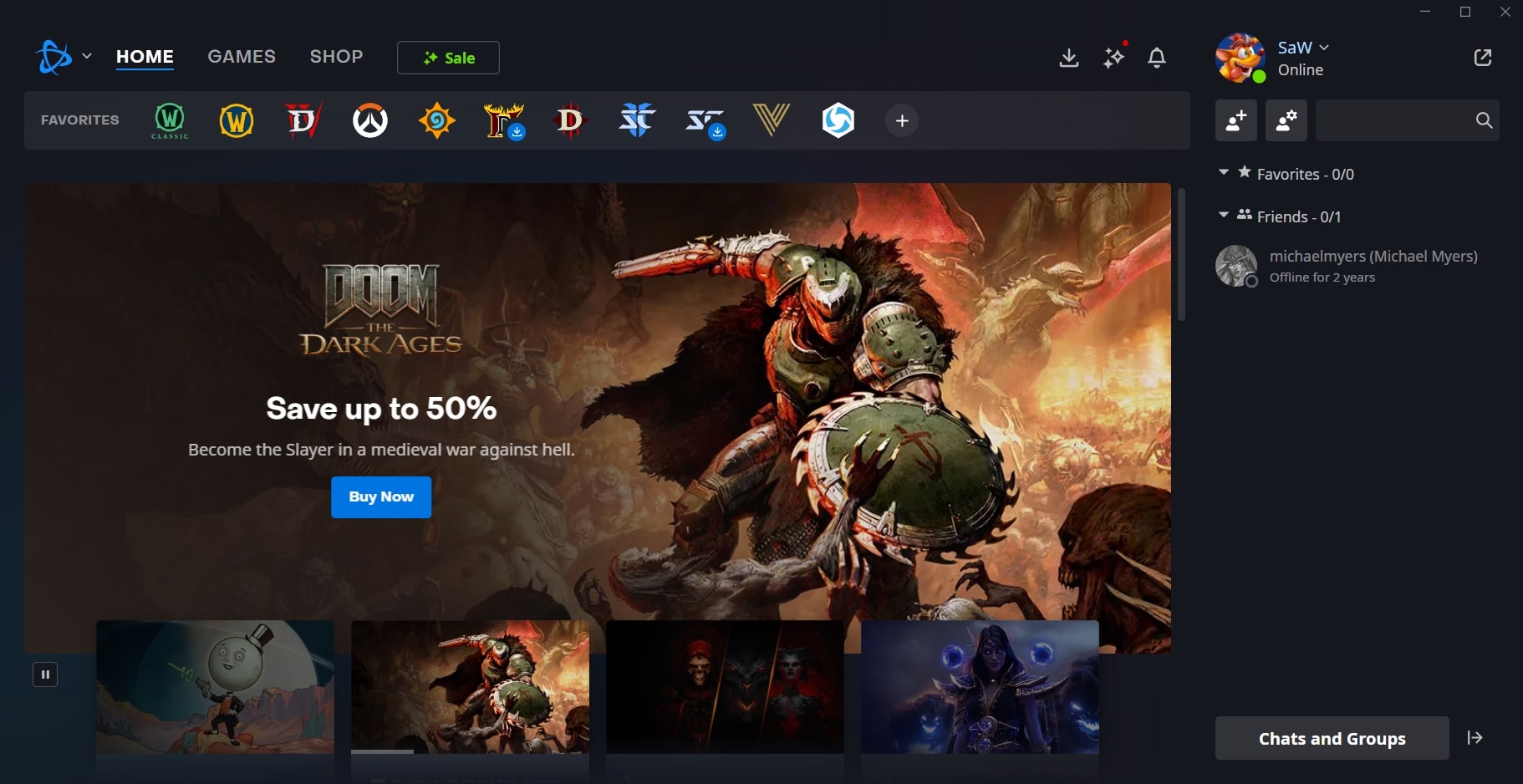
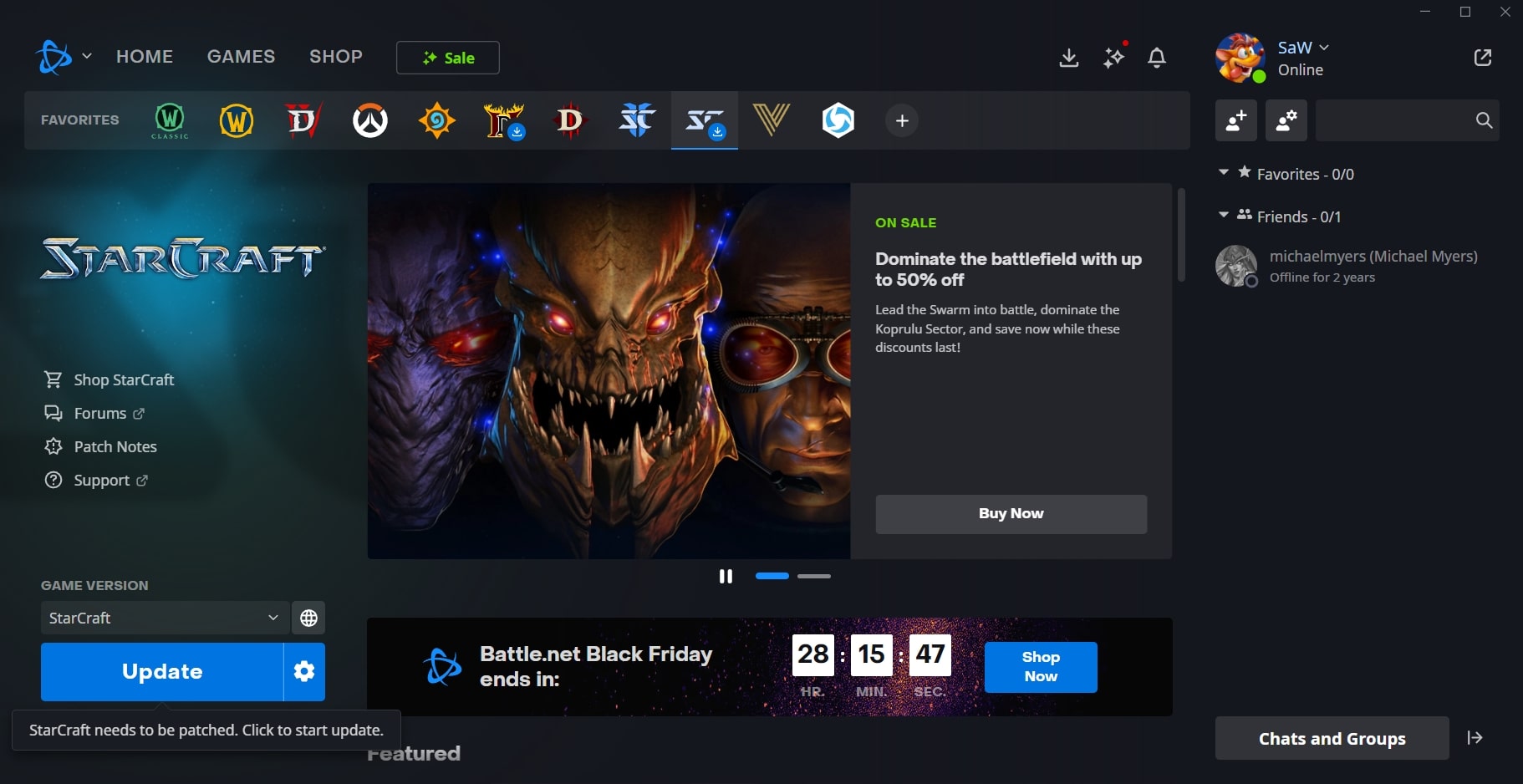
The interface is arranged as follows:
- top panel – account menu and notifications;
- left panel – games, friends, groups, news;
- center – game catalog, selected game, and news;
- bottom of the screen – “Install/Play,” purchases, and additional functions;
- pop-up windows help you stay informed about all processes and updates.
To start playing:
- Register or log in to your Blizzard account;
- Download and install the Battle.net launcher;
- Open the app and choose a game;
- Install the game and enjoy.
To start a conversation, go to the “Friends” section, select a user, and start chatting.
Some important tips:
- be sure to enable two-factor authentication to protect your Battle.net account;
- check news and notifications regularly;
- add friends – it makes the experience more enjoyable;
- enable automatic game updates;
- always save receipts for your purchases.
Pros:
- a unified catalog for all Blizzard digital games;
- free-to-play titles are available;
- reliability and security at every stage of use;
- modern algorithms for selecting the best offers;
- built-in chats, both private and group;
- automatic installation of updates for installed games;
- fast and high-quality support;
- intuitive interface and navigation.
Cons:
- the application works only with Blizzard titles and a small circle of partners;
- requires a constant internet connection;
- a limited number of interface customization options;
- some games take up a very large amount of disk space.
Conclusion
Battle.net is a convenient launcher for Blizzard and Activision games, providing access to installation, updates, and launching of video games, as well as easy communication with friends and other players through the friends system and built-in chat.
Download the latest free version of the Battle.net game launcher (2026) from the official website using the link below.