
What is BurnAware Free?
BurnAware Free is a free utility for the Windows operating system designed for burning, copying, and maintaining all types of optical discs (CD, DVD, Blu-ray, as well as modern BDXL and M-Disc media). The application helps transfer digital data to physical storage media and allows users to create document backups, burn music for car stereos, prepare video discs for legacy DVD players, work with virtual ISO images, and recover unreadable sectors on old discs.
The program is suitable for everyday users who need to quickly burn music or movies to a disc, owners of older hardware (CD/MP3 car stereos, retro consoles, or DVD players), and system administrators who use bootable discs to reinstall Windows on PCs.
You can download BurnAware Free (2026) for Windows free of charge using the link at the end of this article.
Features
- Extensive media support. Works not only with standard CD/DVD discs but also with high-capacity Blu-ray media (including BDXL up to 100 GB) and archival-grade M-Discs that can preserve data for up to 1,000 years.
- Multimedia project creation. Fully supports Audio CD creation (including CD-Text for displaying track names on compatible car stereos), MP3 discs, and traditional DVD-Video discs with the correct file structure.
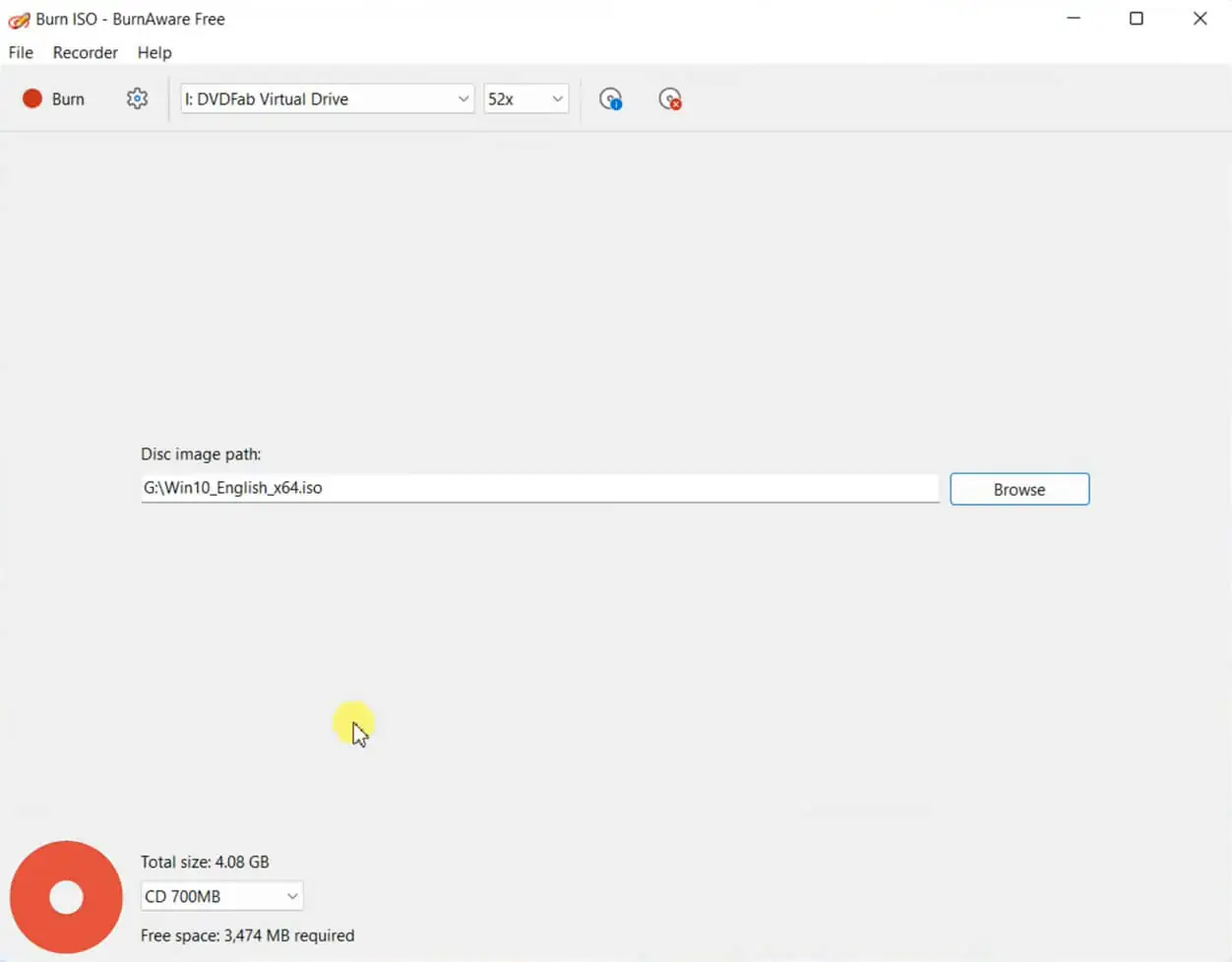
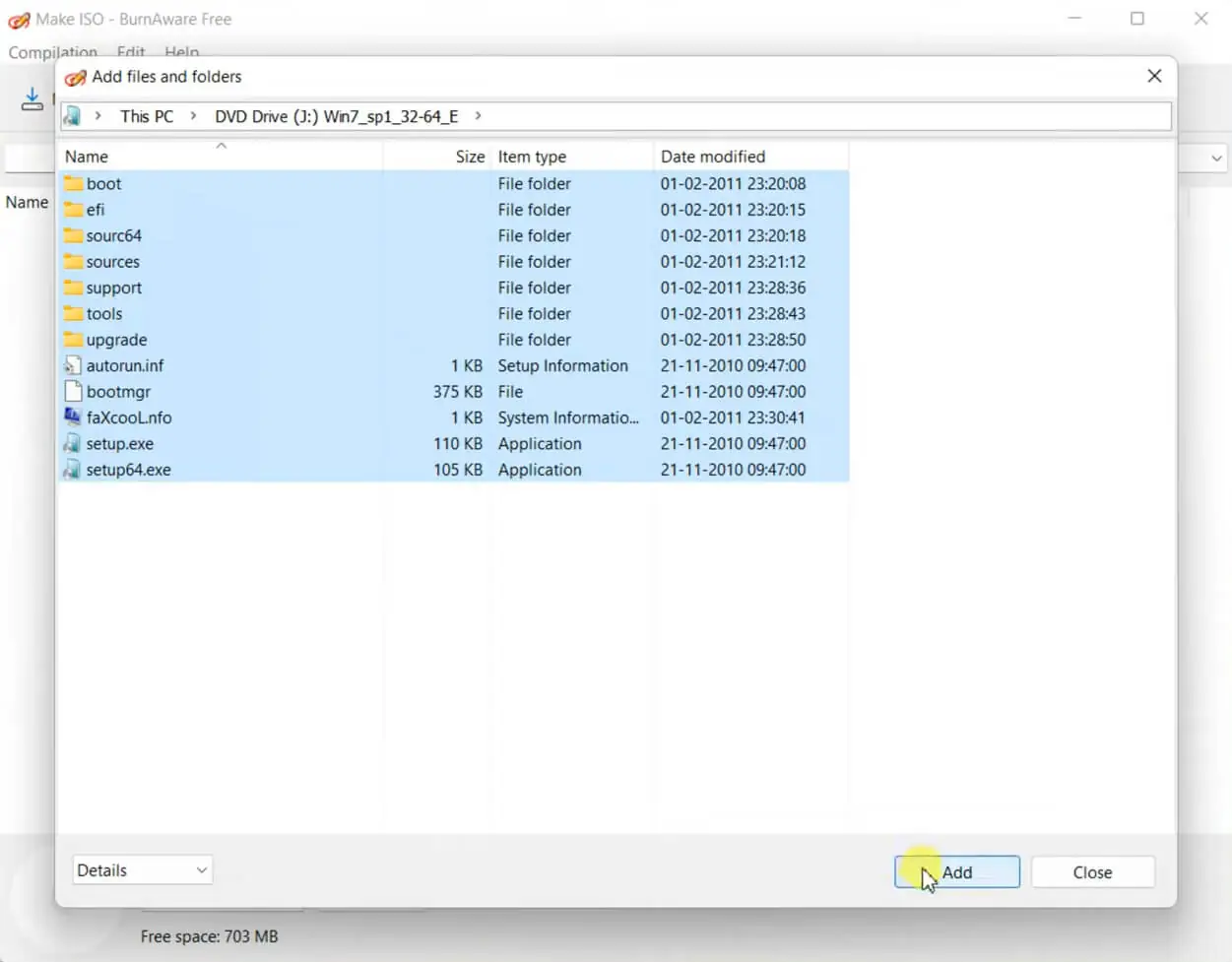
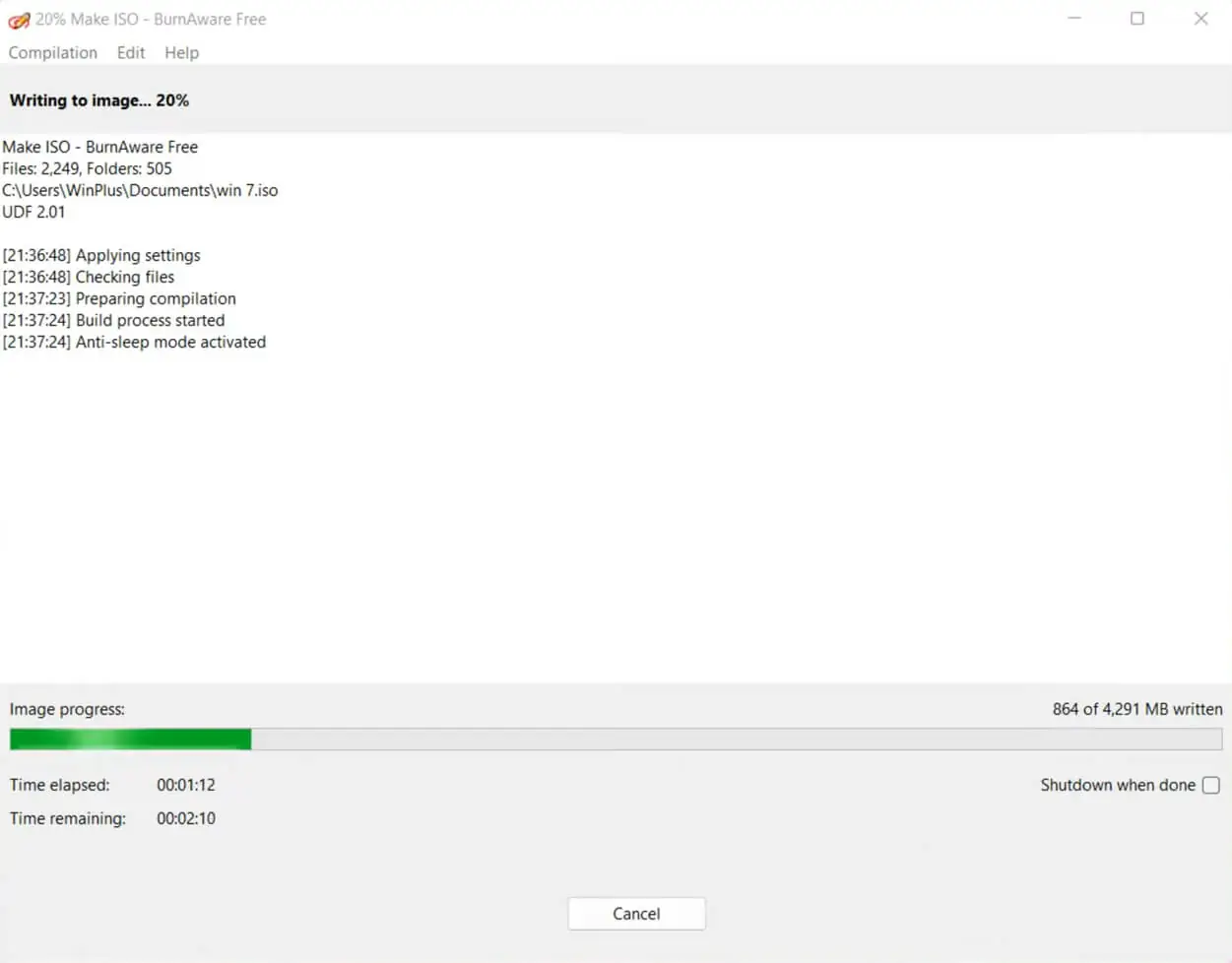
- ISO image management. Burn ready-made disc images to physical media, create custom ISO images from local files, and copy discs to image files stored on your hard drive.
- Multi-session burning. Add files to a disc in multiple stages if free space remains available, or update existing sessions.
- Service utilities. Quickly or fully erase rewritable discs (CD-RW, DVD-RW, BD-RE), verify burned data byte-for-byte, and view detailed drive information.
How to Use BurnAware Free?
Interface Overview
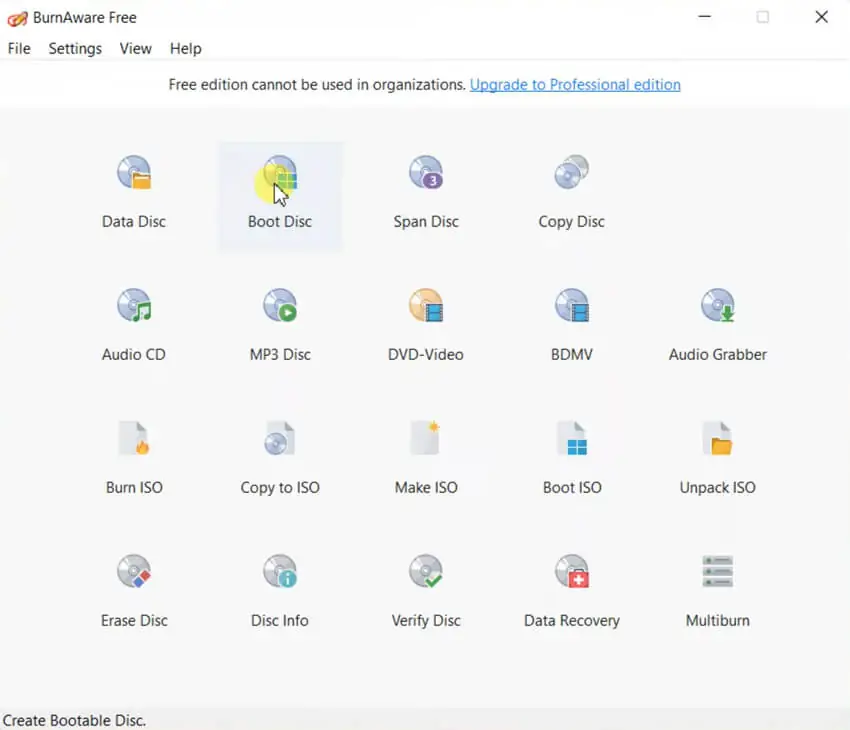
The program interface features a clean tile-based menu divided into four main categories:
- Data. Create discs containing any type of files, including bootable discs.
- Multimedia. Create Audio CDs, DVD-Video discs, and MP3 discs.
- Images. Tools for burning, creating, and copying ISO images.
- Utilities. Disc erasing, quality verification, and drive information tools.
Usage Steps (Example: Creating a Data Disc)
- First, download BurnAware Free, install it on your PC, insert a blank disc into the drive, and launch the program.
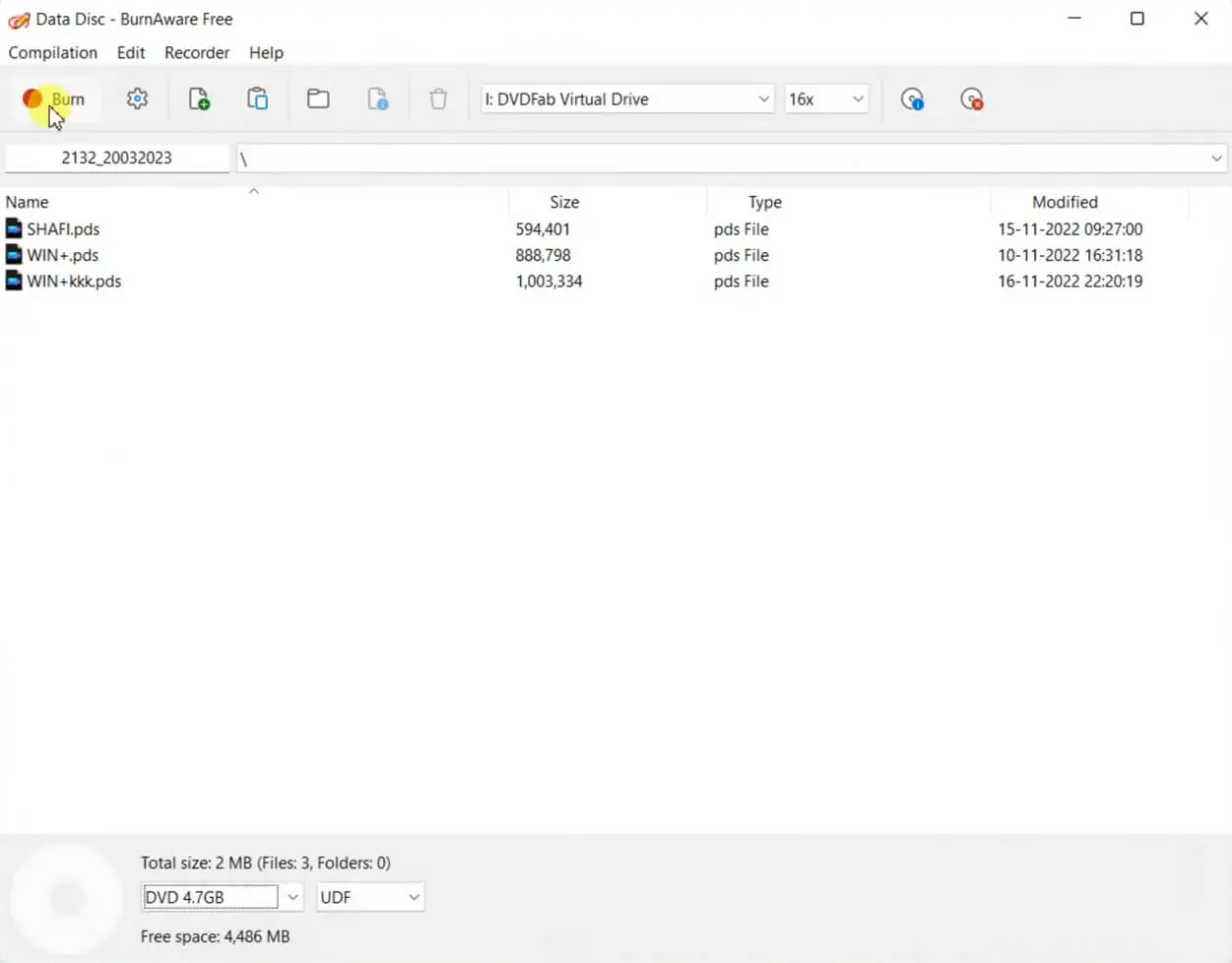
- In the main menu, select the Data Disc option.
- In the window that opens, click Add Files (or simply drag and drop the required folders into the workspace).
- Pay attention to the capacity indicator at the bottom of the screen—it shows how much free space remains on the disc.
- Click the Burn button (the flame icon) on the top toolbar and wait for the process to finish.
- Do not burn at maximum speed. If you are creating an Audio CD for your car or burning an important archive, manually reduce the write speed in the settings (for example, to 4x or 8x for DVDs). This helps reduce read errors caused by the laser.
- Enable verification. Before starting the burn process, check the option Verify data after burning. The process will take slightly longer, but you'll have confirmation that the disc was written successfully.
Pros:
- Lightweight and efficient. BurnAware Free can be installed on virtually any PC regardless of system specifications. It occupies little disk space, launches instantly, and places minimal load on the CPU during operation.
- No unnecessary clutter. Unlike the heavyweight Nero suite, BurnAware does not install background services, advertising agents, or extra media players.
- Excellent compatibility. The software works reliably on all Windows versions from XP to Windows 11 (including ARM-based systems) and properly supports high-DPI displays.
- Full Unicode support. The program handles long file paths and special characters (Cyrillic, Asian characters, etc.) in filenames and CD-Text tags without issues.
Cons:
- Free version limitations. Some advanced features are available only in the paid Premium and Pro editions.
- Promotional offers during installation. The installer for the free version may include offers to install third-party software.
- No support for other operating systems. BurnAware Free is available exclusively for Windows.
Summary
BurnAware Free is a perfect example of a minimalist yet highly effective application that covers 95% of the average user's disc-burning needs without requiring payment or the study of complex professional manuals. If you occasionally work with optical media, it remains one of the best options available today.
Download the latest version of BurnAware Free (2026) for free from the official website using the link below.