What is SHAREit?
SHAREit is a free application for computers and mobile devices that enables wireless file sharing of any type between devices using an available Wi-Fi network. The program is an excellent alternative to Bluetooth or wired data transfer via USB. This utility is ideal for users who need to quickly transfer data from Android to iOS, or from a phone to a computer, without relying on cloud storage.
You can download the latest version of SHAREit (2026) for free from the official website using the link at the end of the article.
Features:
- transfer of text, spreadsheet, and other office files, photos, music tracks, video files, and applications from a laptop, desktop computer, tablet, or smartphone;
- music and video playback via the built-in media player, as well as screen sharing;
- fast sending of large files, including simultaneous transfer to multiple users;
- built-in junk cleaner.
How to use SHAREit?
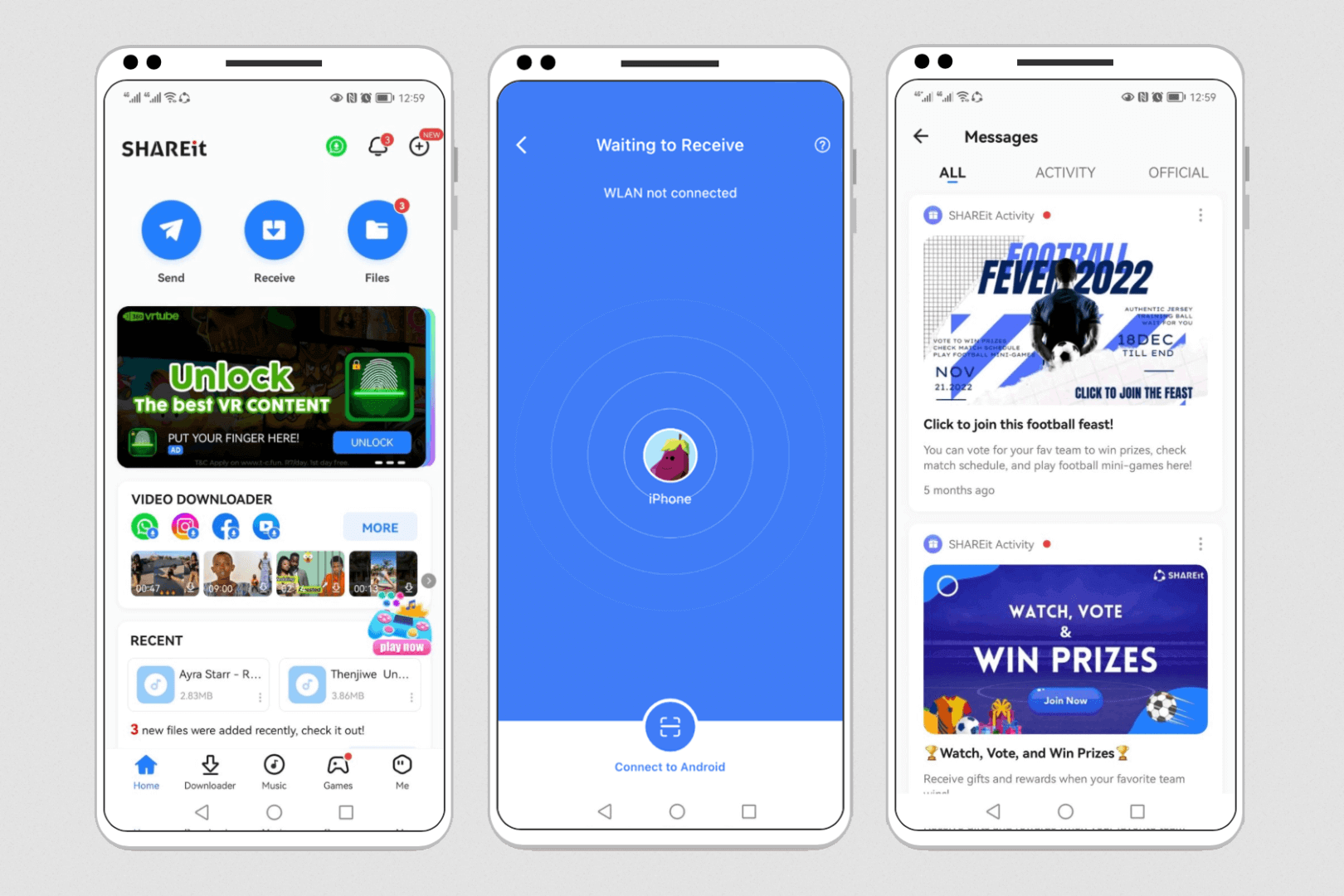
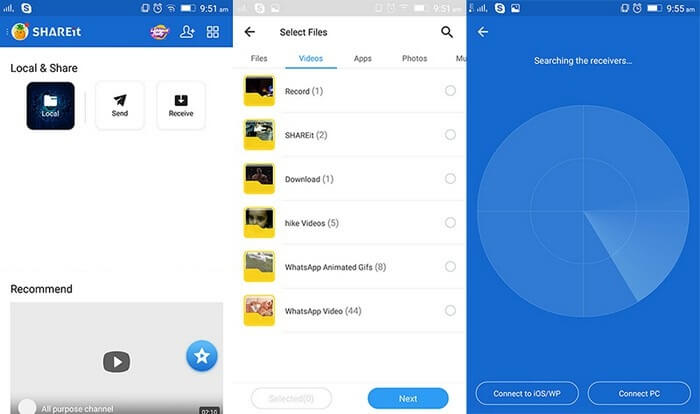
First, download SHAREit from the official website to your Windows or macOS computer, or to an iPhone or Android mobile device. On the first launch, grant the necessary permissions, select the “Send” option, choose the required files, and start the transfer. On the receiving device, tap “Receive” and confirm saving the files.
The SHAREit interface is visually pleasant and intuitive: the background design is white and light blue, and the main controls (buttons) are large and high-contrast, which makes the program easier to use for people with impaired vision and less nimble fingers.
Device discovery and synchronization are performed via Bluetooth, while file transfer takes place over Wi-Fi. For quick receiving, you can also simply scan the sender’s QR code.
Pros:
- high data transfer speed (up to 20 Mbps, up to 200 times faster than Bluetooth), especially compared to Bluetooth;
- no dependency on USB, microUSB, SD, or microSD ports — only a Wi-Fi connection on both devices is required;
- no limitations on the type or size of transferred files;
- SHAREit can be downloaded for free on any device (PC, Android, iOS);
- full multilingual interface with the ability to select the desired language;
- direct device-to-device connection via Wi-Fi Direct without using a router or public internet networks.
Cons:
- potential data transfer security risks;
- advertising in the free version of the program;
- connected devices may fail to detect each other due to security settings or firewall restrictions.
Conclusion
SHAREit is an efficient utility for fast data exchange between local devices without any limitations, cables, or even an internet connection. By installing this program, you can easily transfer files between smartphones, computers, and tablets on any operating system.
You can download the latest version of SHAREit (2026) for free from the official website below.